
Guide
How to choose church projection software
Eight questions to ask any projection program before your first Sunday. And how Harmony Studio answers each one.
What to check
- 1
Does it work offline?
Church internet fails exactly when it shouldn’t. Harmony works fully offline: the songs and all four Bibles are inside the app.
- 2
What does it cost?
Harmony is free, with no ads and no account. You get it from the Microsoft Store, which keeps it up to date.
- 3
Does it have the songs?
Harmony comes with over 10,000 Christian songs in Romanian. The ones you have in PowerPoint come in as a whole folder, in a minute.
- 4
Does it have the Bible?
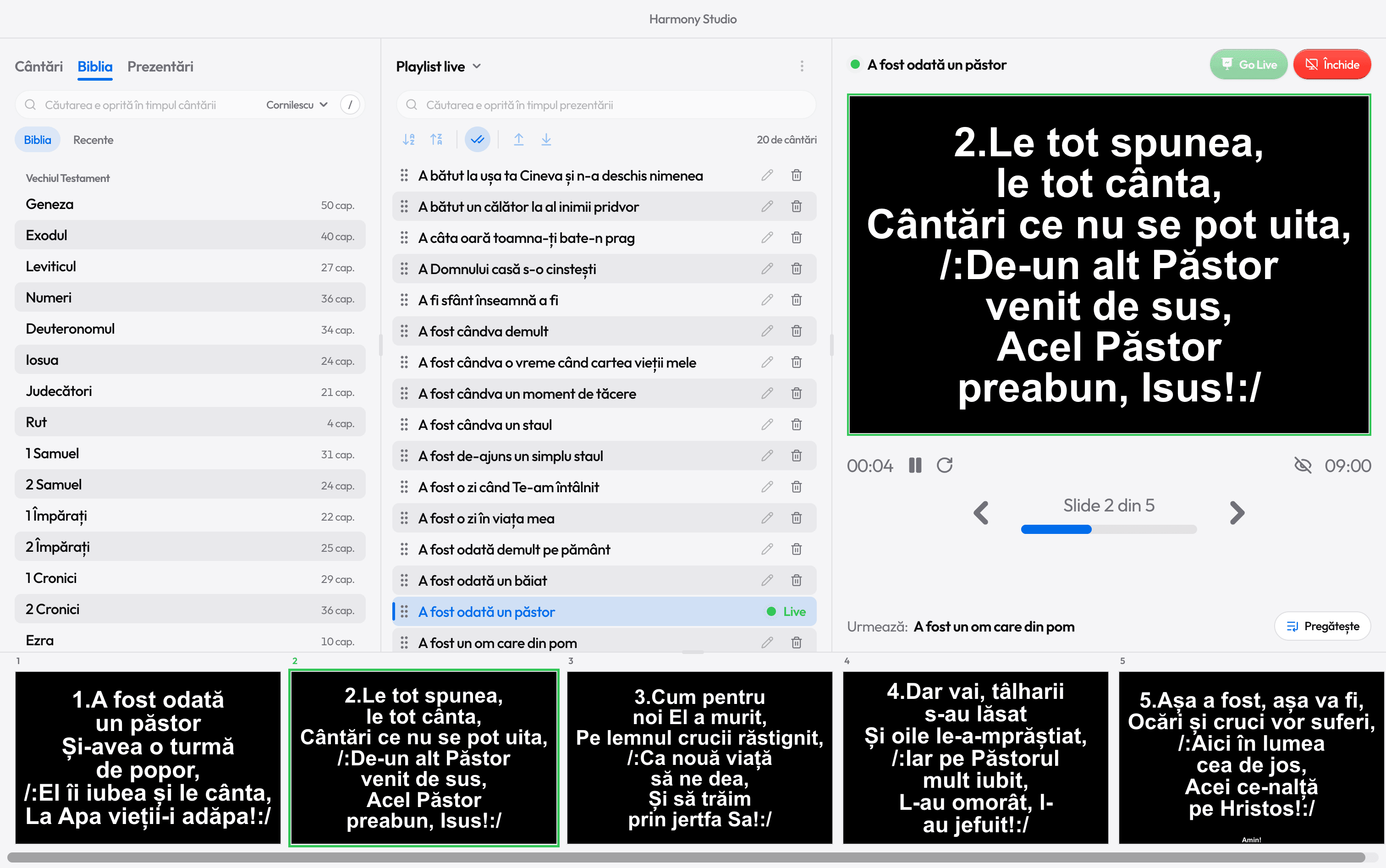
KJV and BSB in English, Cornilescu in Romanian and Riveduta in Italian are included. A verse is on the projector in seconds.
- 5
Can you run it from the keyboard?
During a song you don’t hunt with the mouse: 2 jumps to the second verse, R to the chorus, B hides the text for a prayer.
- 6
What does the room see until you press?
Nothing: what you prepare stays in preview, on your screen, until you press Go Live.
- 7
Is there a screen for the singers?
A second screen, facing the stage, shows the current verse and the next one. The congregation doesn’t see it.
- 8
Does it run on the church laptop?
Harmony is built to run on old laptops too: all it needs is Windows 10 (1809 or later) or Windows 11.
What it doesn’t do
Harmony is for Windows 10 and 11 only, from the Microsoft Store: it doesn’t run on a Mac, a tablet or a phone.

Ready for the service?
Get Harmony Studio from the Microsoft Store. It’s free, needs no account, and keeps itself up to date.

- Free
- No account
- Works offline
- Windows 10 and 11