
Free lyrics projection software
From PowerPoint to Harmony
Any song on the projector in seconds. Free, no internet needed, and it runs on the church’s old laptop too.

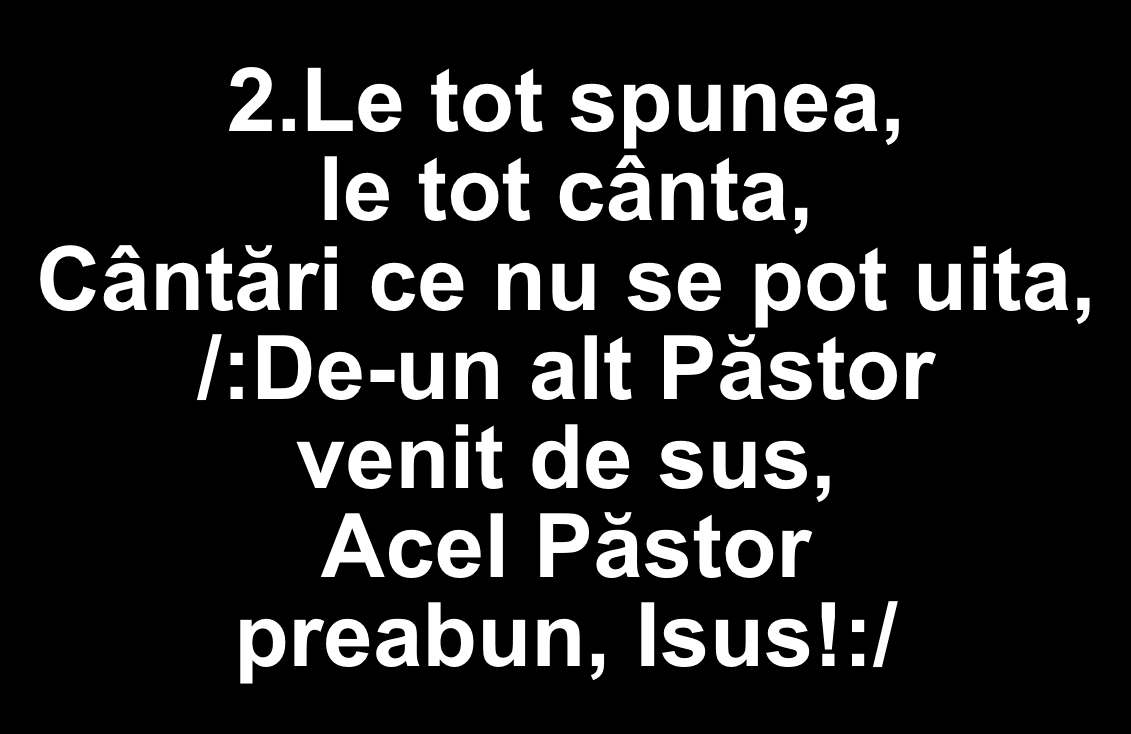
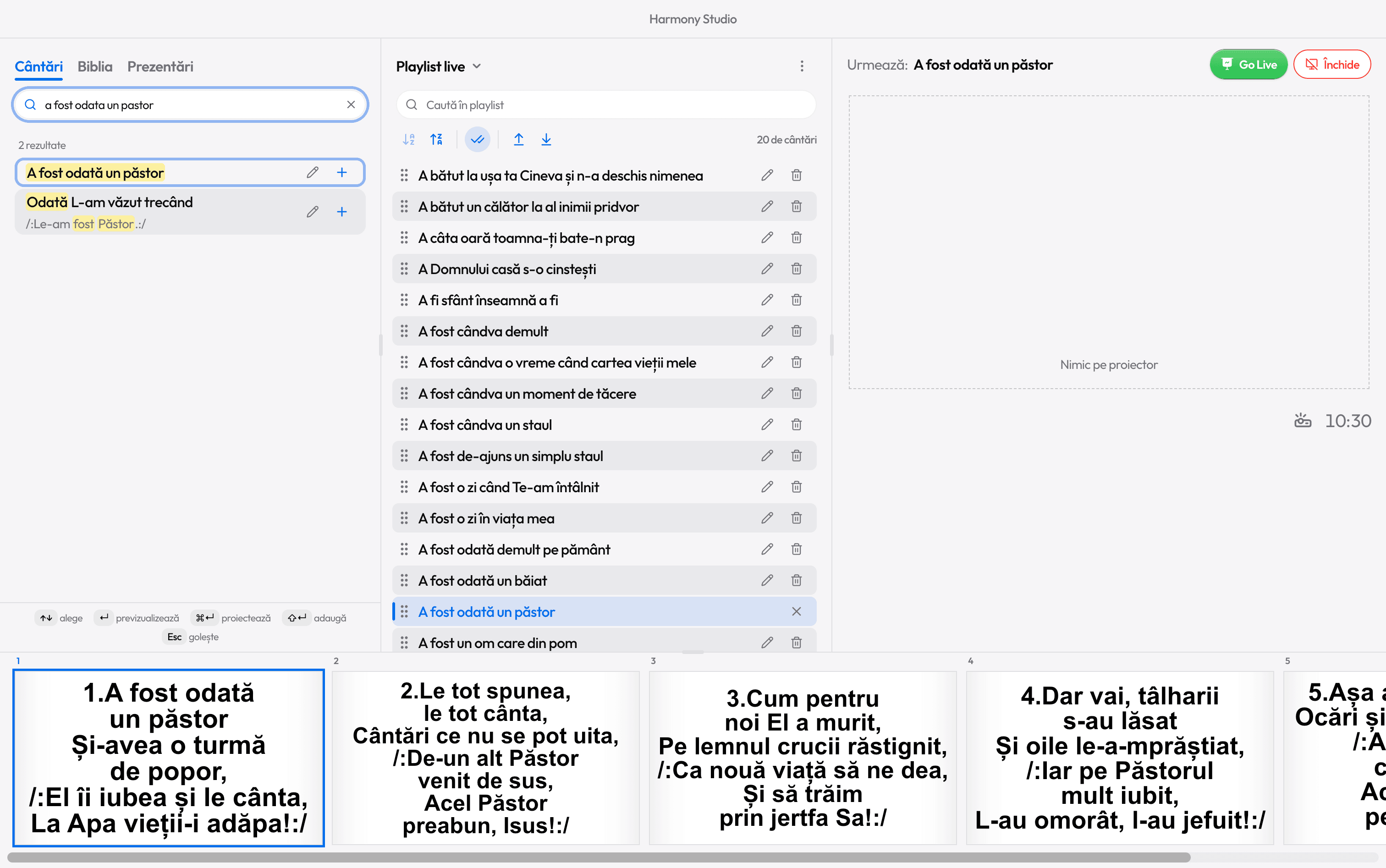
- A fost odată un păstor
- Ce bine e când frații stau
- A bătut la ușa ta Cineva
- Bunătatea Ta-i eternă
- A fost cândva o vreme
- Tu n-ai nimic în lume
- A Domnului casă s-o cinstești
- Eu vin-naintea Ta cu mulțumire
- A fost chemat în Cana Galileii
- Prin lunga noastră pribegie
- A fost o zi când Te-am întâlnit
- Sunt călător și n-am nimic pe lume
- A câta oară toamna-ți bate-n prag
- A fi sfânt înseamnă a fi
How it works
Three steps to your first Go Live
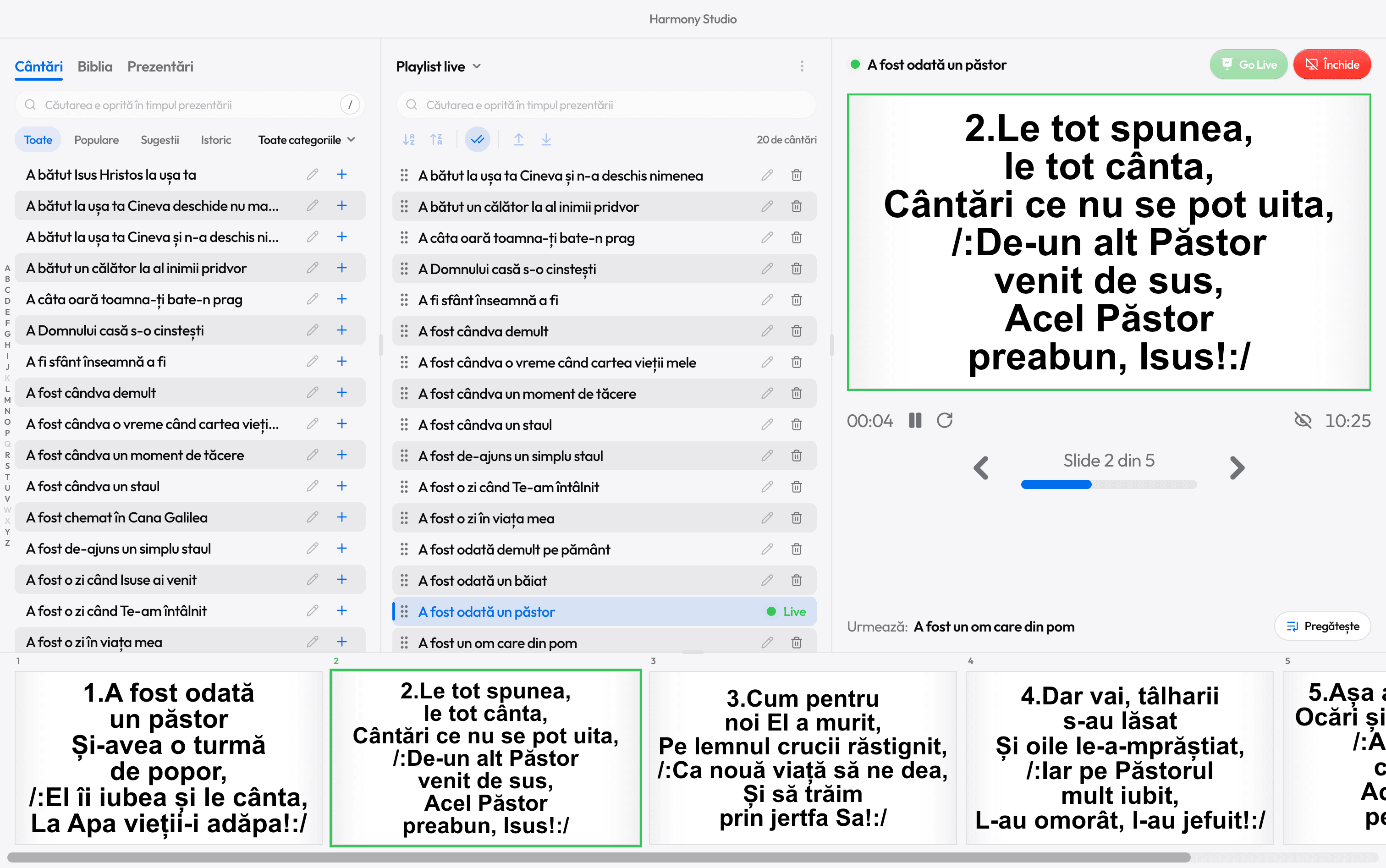
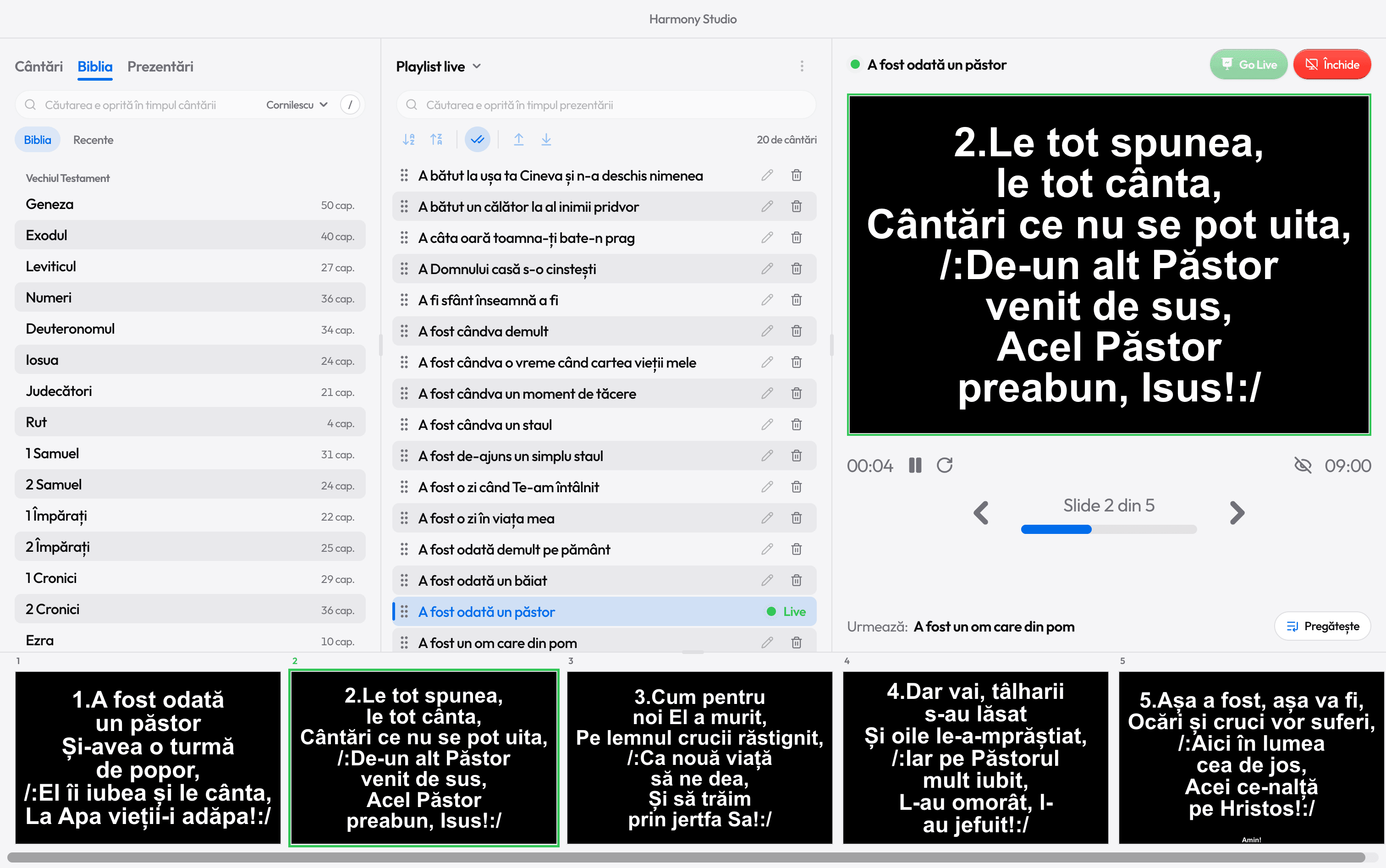
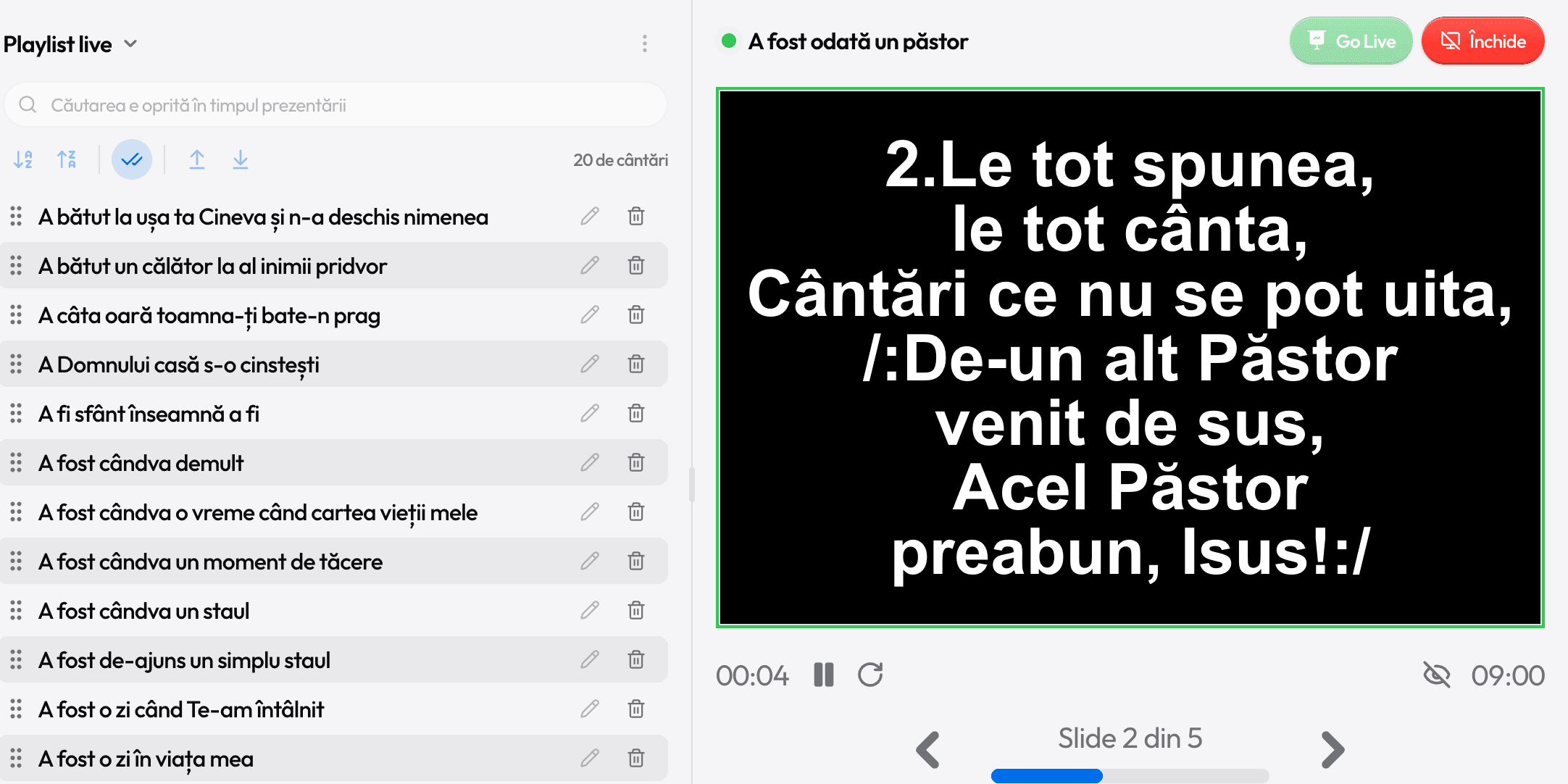
What the room sees
Big, clear lyrics. Only when you send them
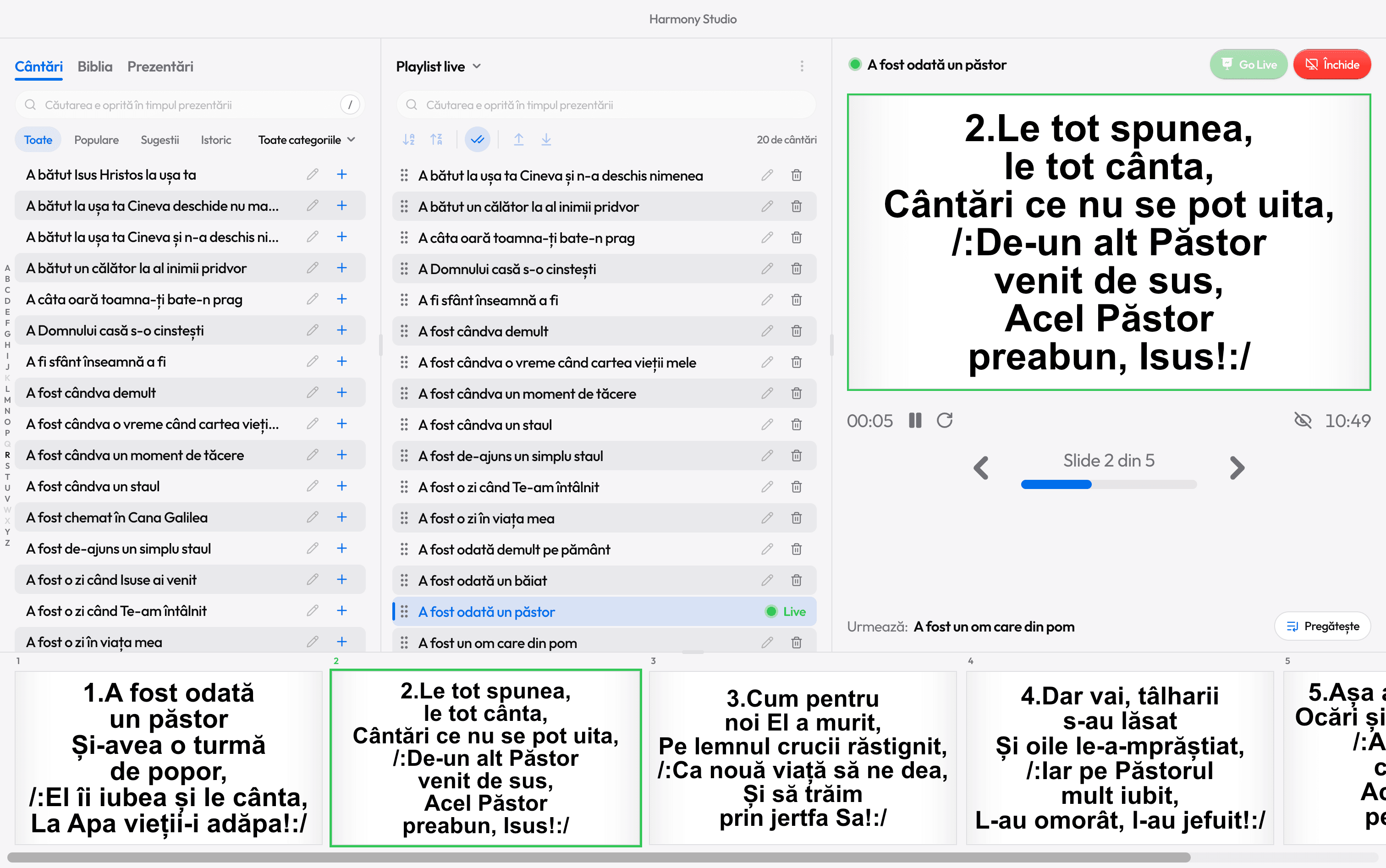
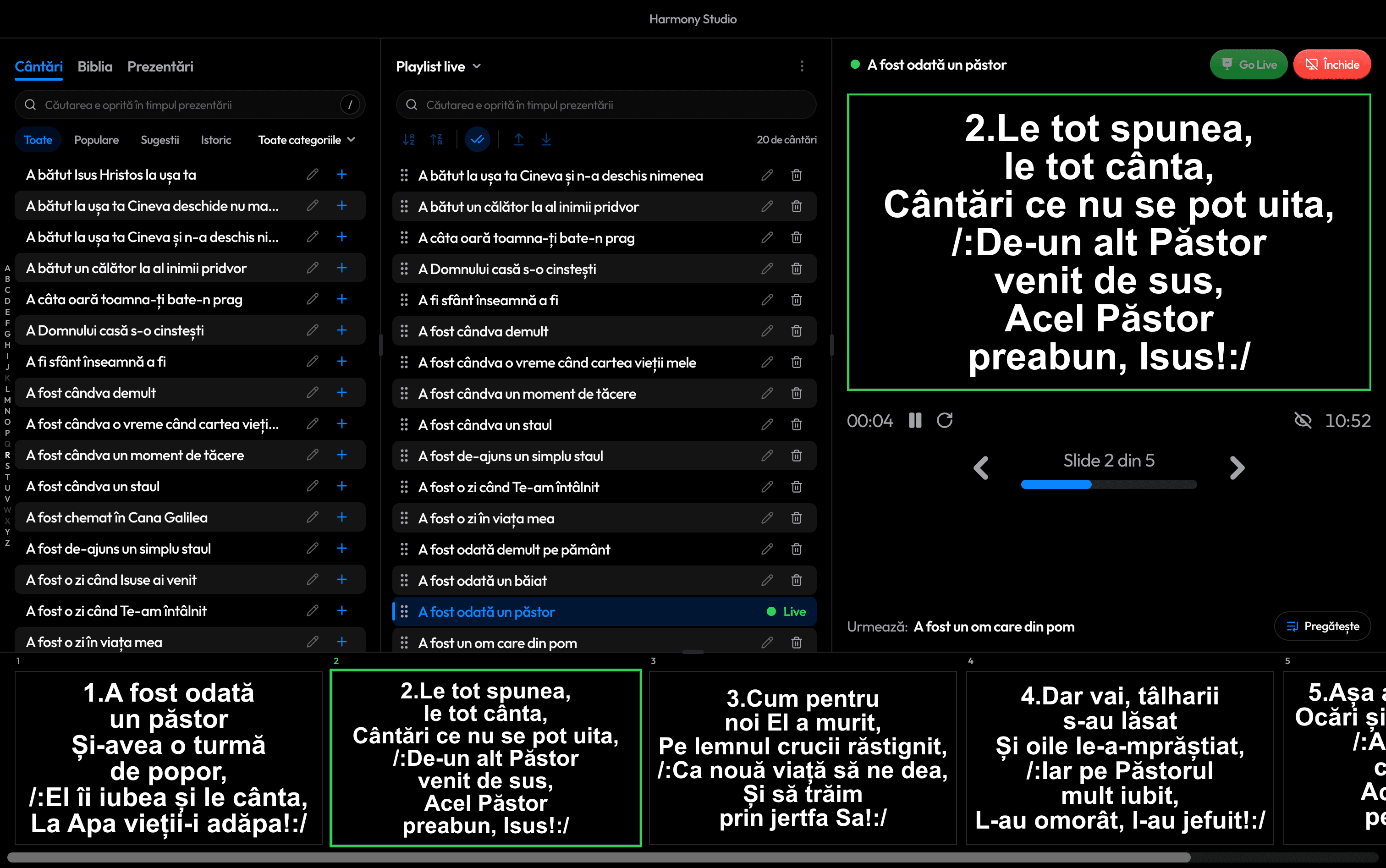
You prepare everything on your own screen. The projector or TV shows only what you send with Go Live, full screen.
How a service runs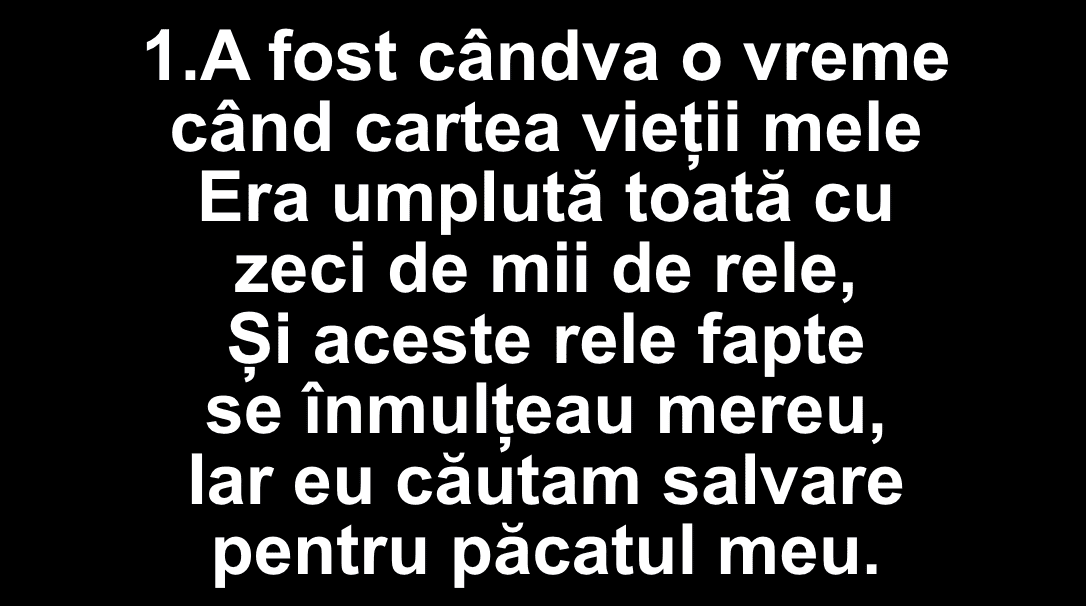
Features
Everything church projection software needs
Made for the volunteers who run the projection every Sunday, not for technicians.
Song library
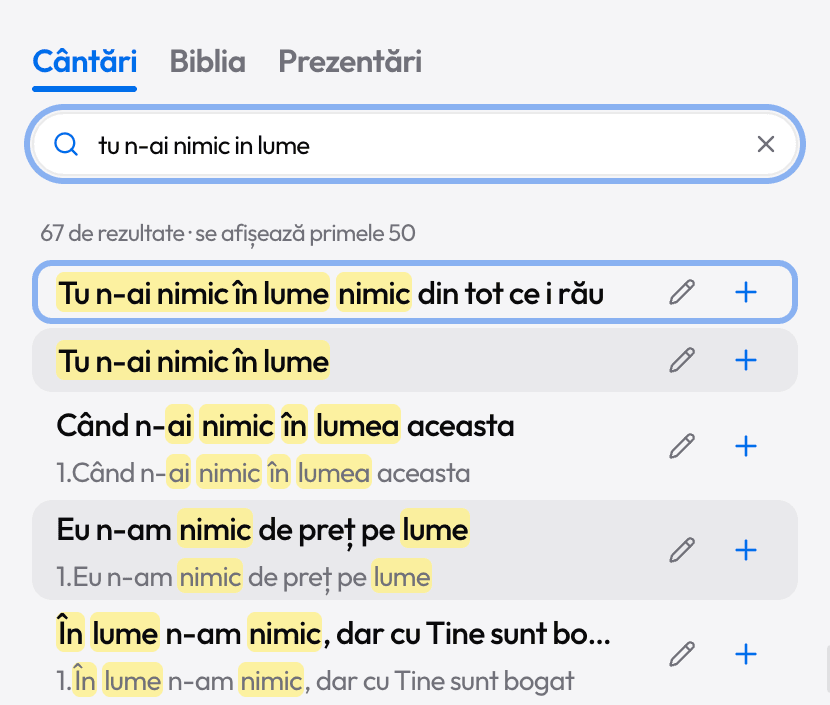
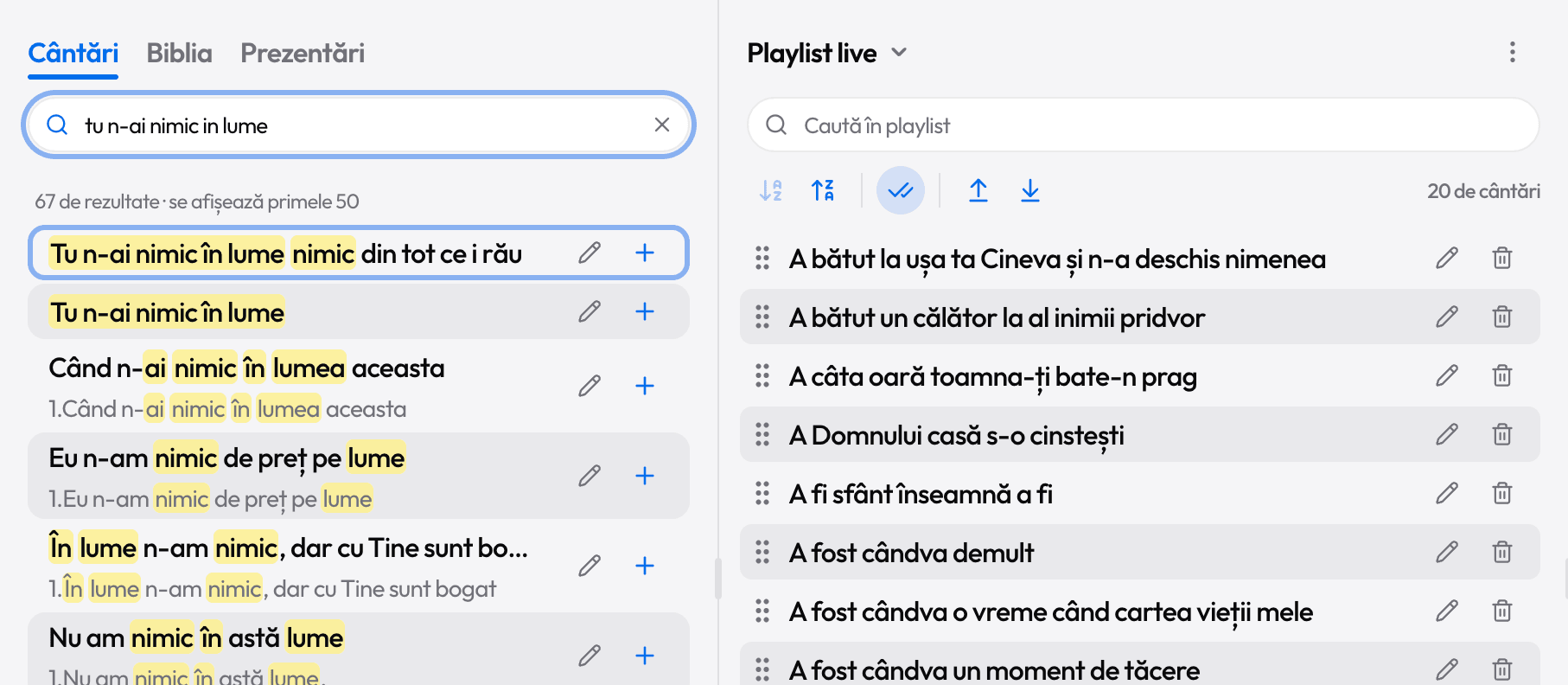
Over 10,000 Christian songs, in Romanian. Search by title or lyrics, with or without diacritics, even with typos.
The Bible, from anywhere
King James, Berean Standard Bible, Cornilescu and Riveduta. Press V, type “john 3 16”, Enter.
V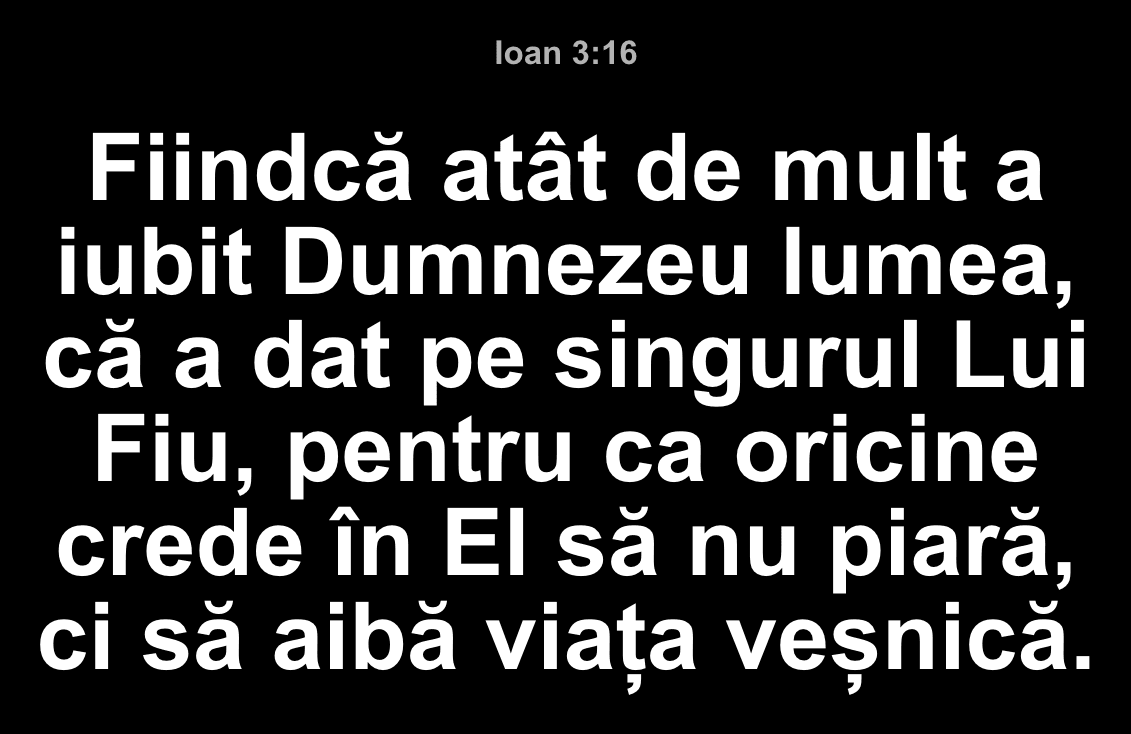
Playlists
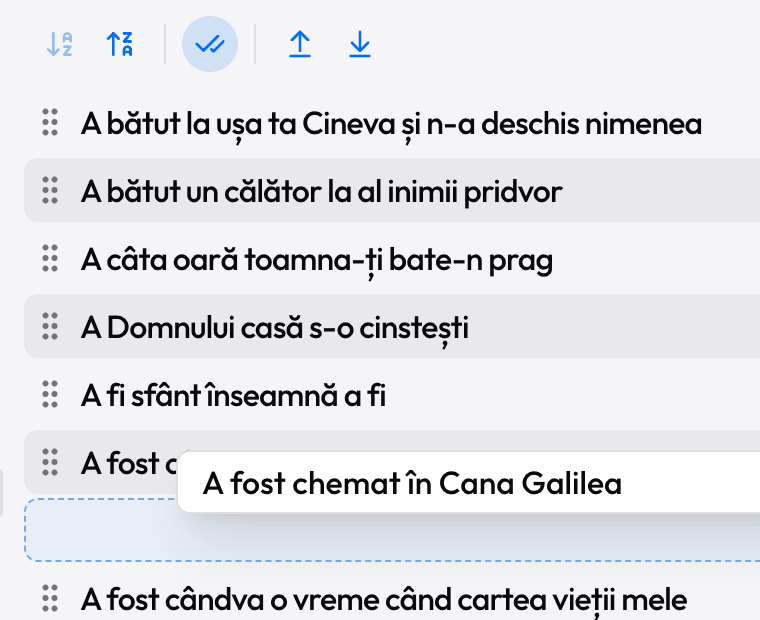
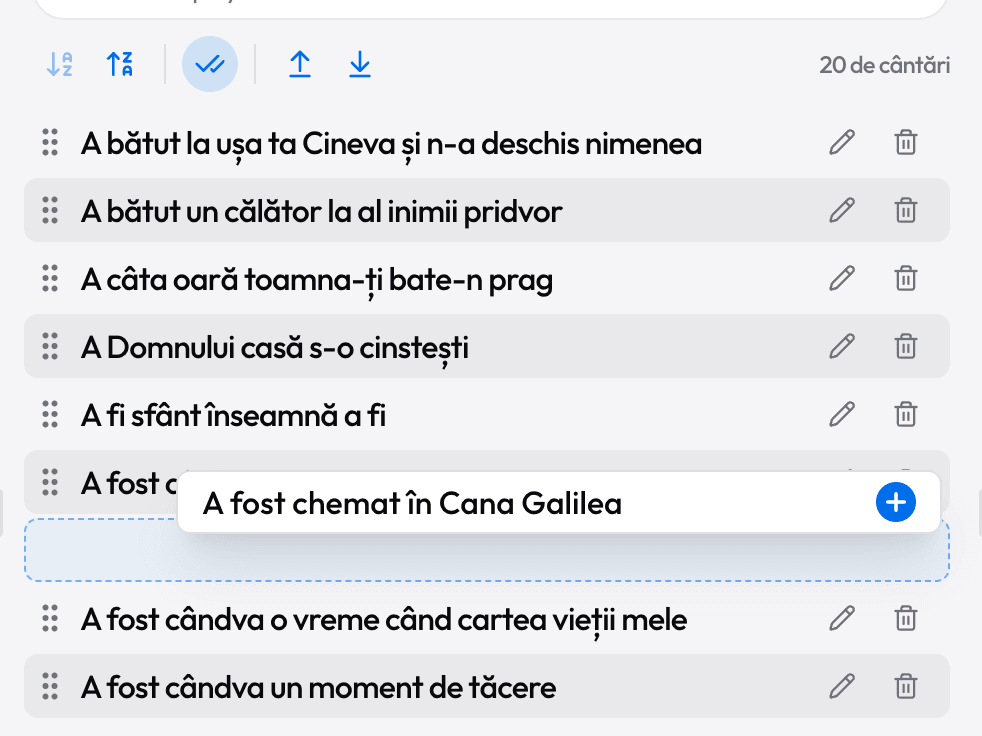
The service order, by drag and drop. Paste a list from WhatsApp and it becomes a playlist.
Live projection
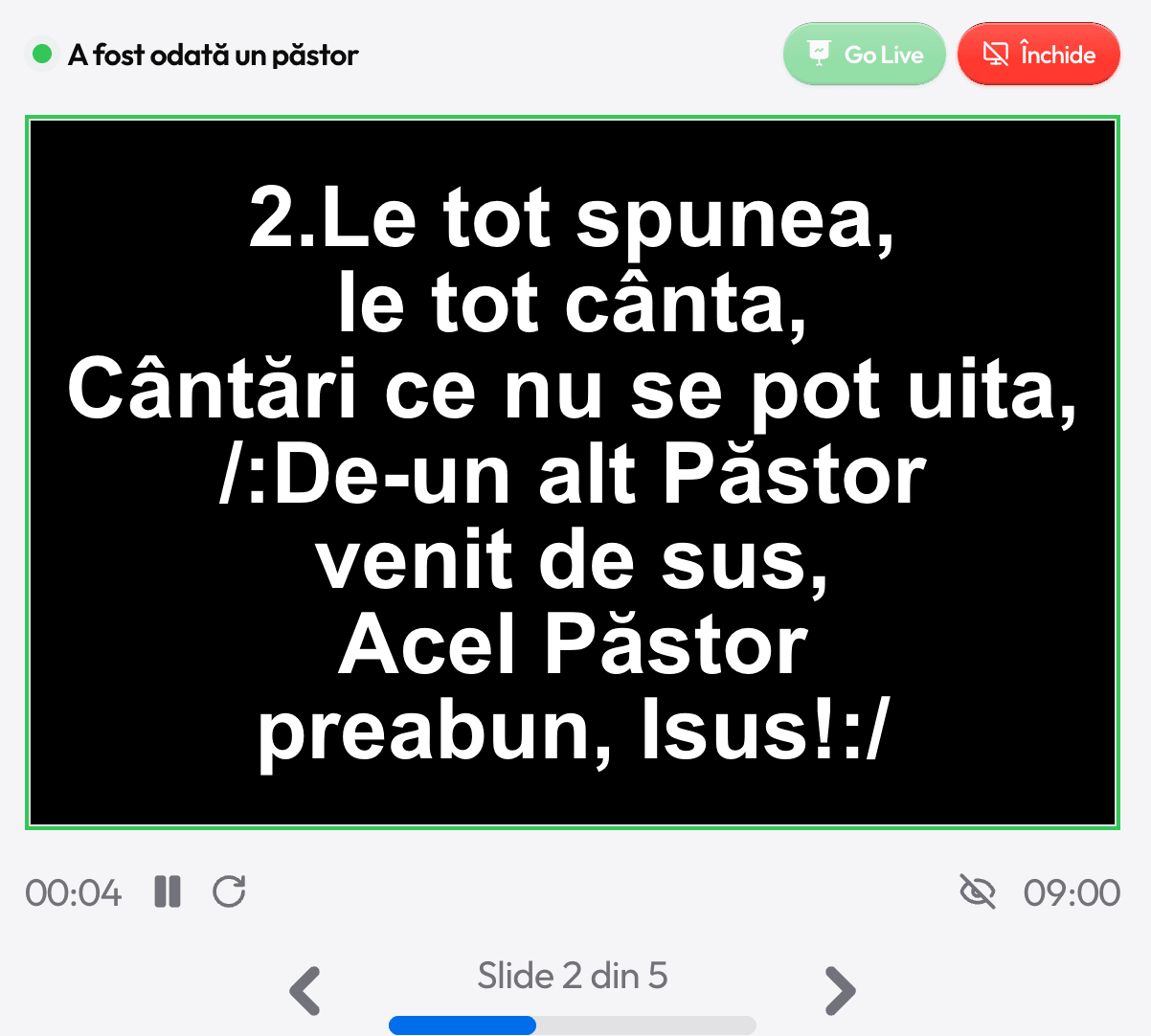
Preview and Go Live. Numbers jump to verse 1, 2, 3, R to the chorus.
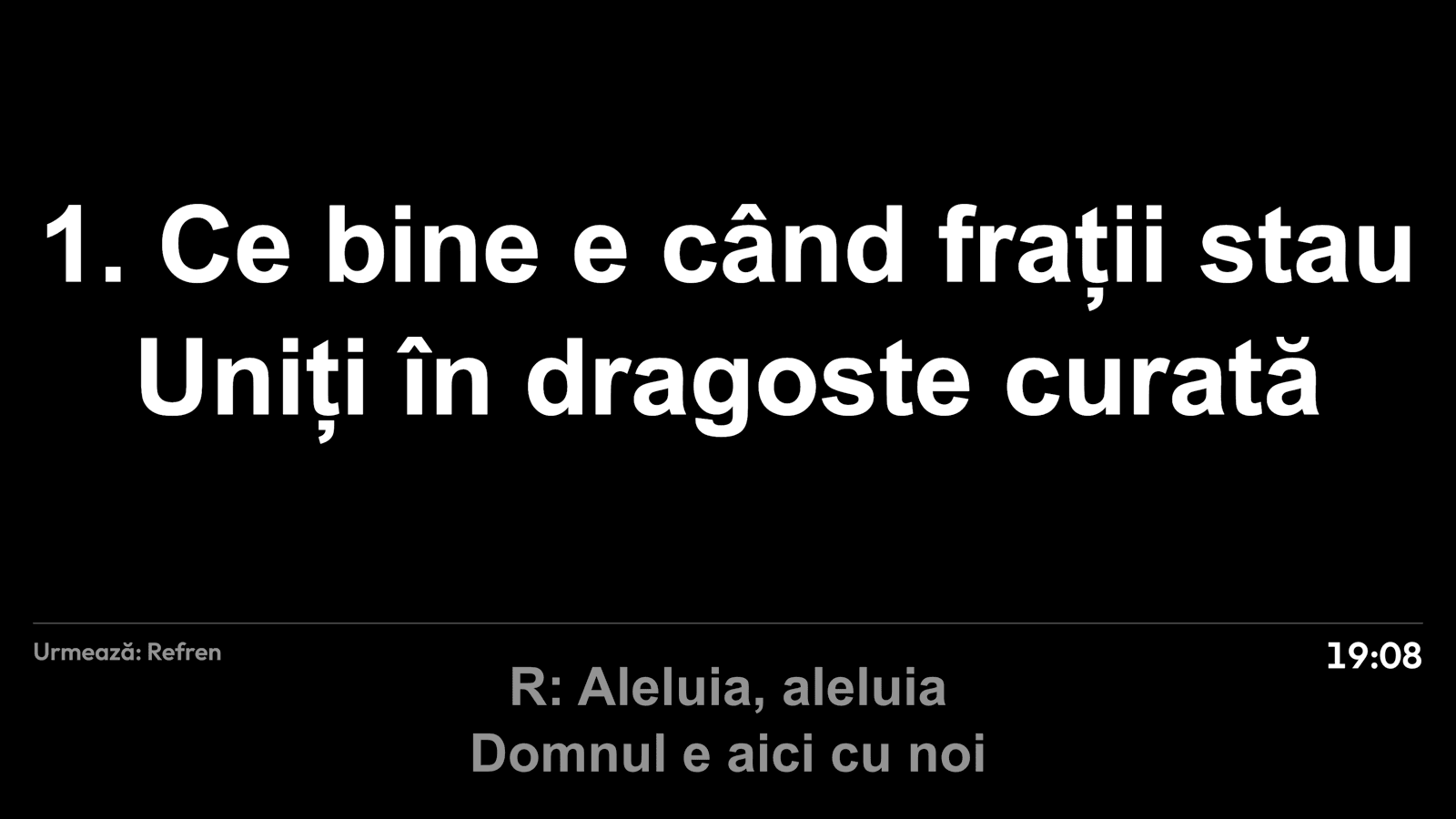
Stage display
For the singers: the current verse and the next one.
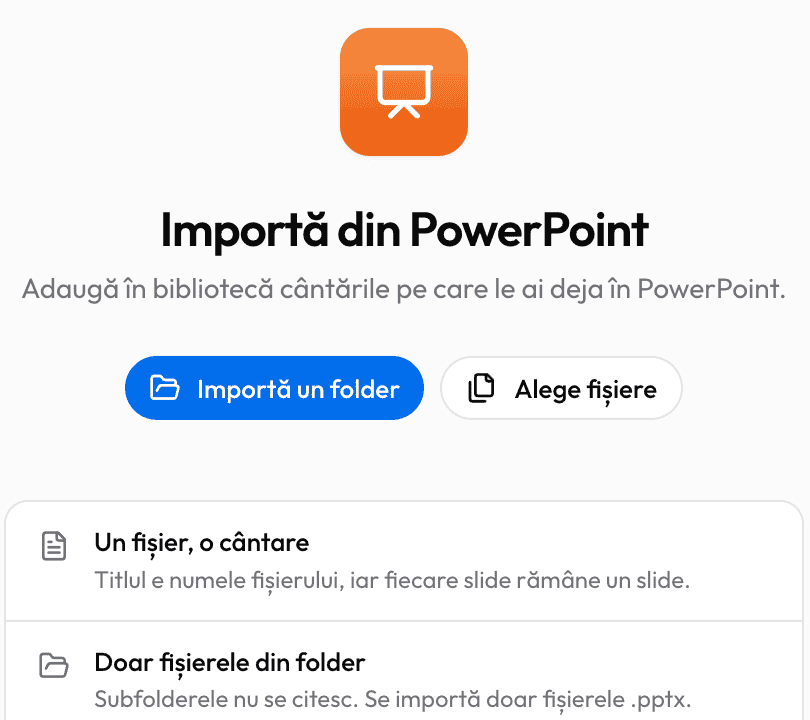
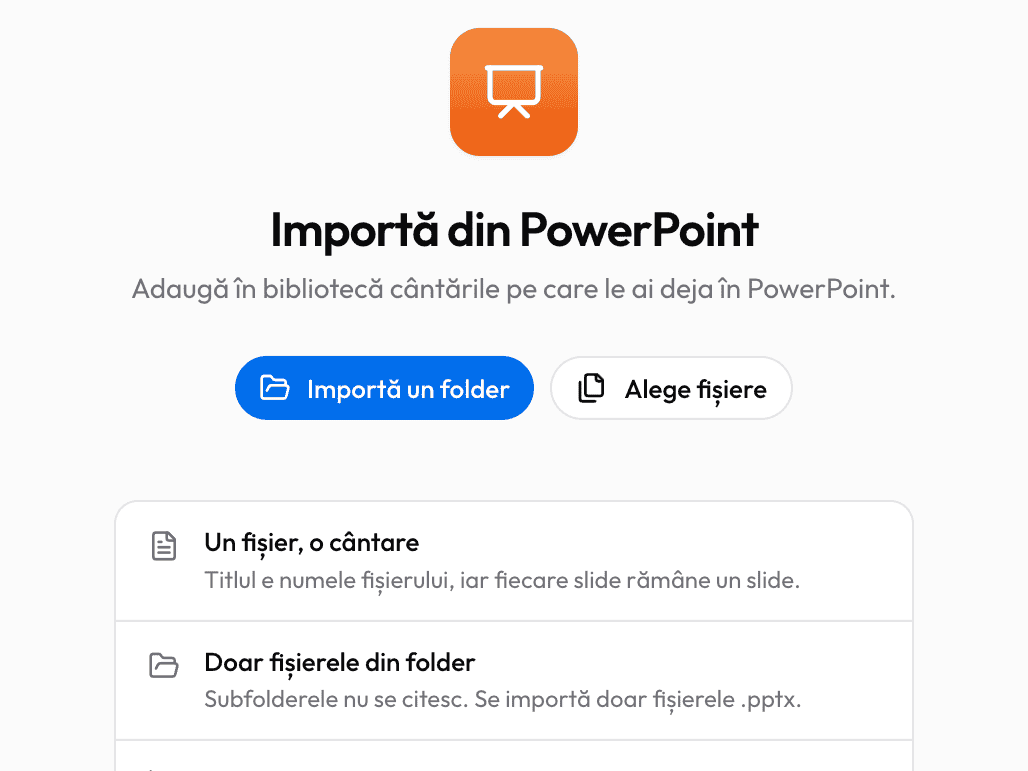
PowerPoint import
Your folder of songs goes into the library in a minute.
How it looks
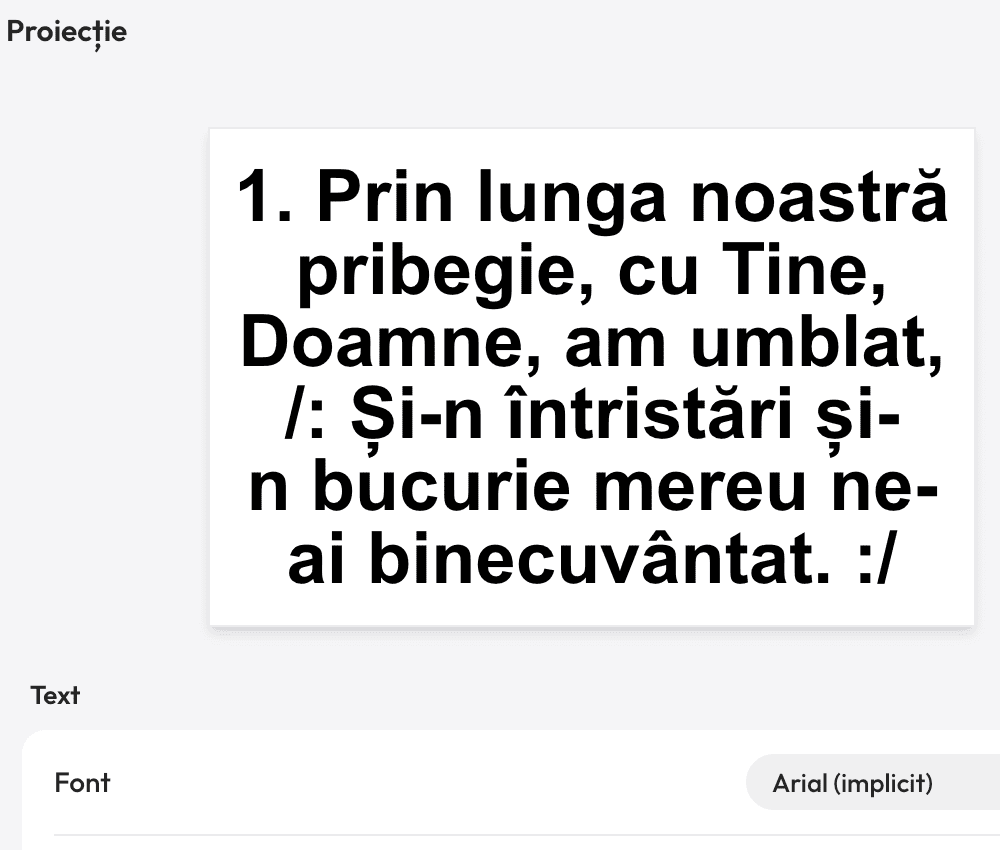
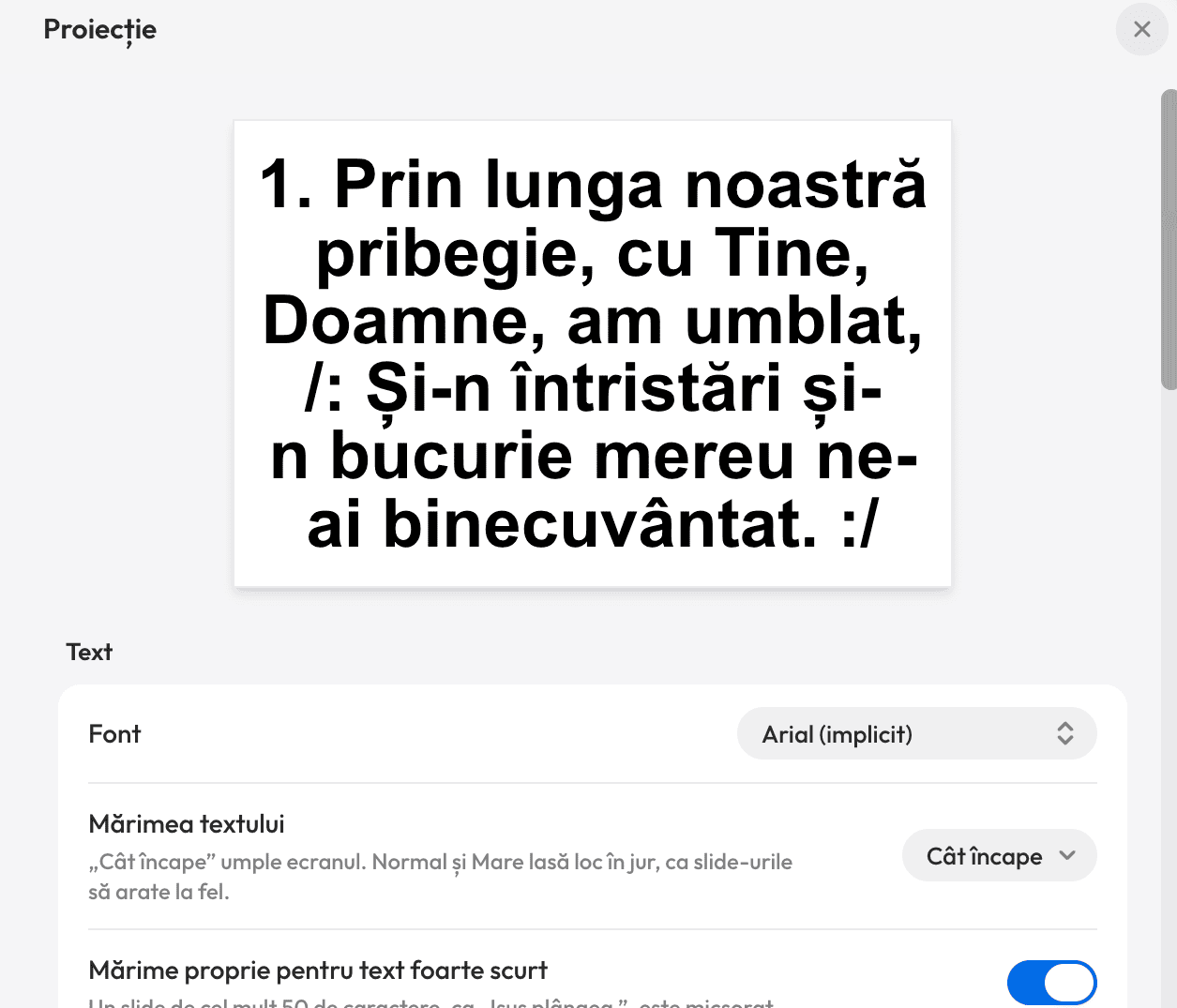
Color themes, font, a background image, text size. The same size on every slide.
Presentations
Announcements and the order of service, with ready-made templates.
Print and PDF
One song or the whole playlist, laid out like a hymnal.
Several screens
Projector, TV and a stage screen.
The clock
On the projector between songs: digital or analog.
Backups
Your library is saved automatically, every day.
Bible on the projector
The preacher reads a verse. You press V
Type the reference any way you like, press Ctrl+Enter and the verse is on screen. The whole chapter, verse by verse, with the arrow keys.
- john 3 16
- 1cor13
- ps 23
- John 3:16
PowerPoint import
One file for every song? Not anymore
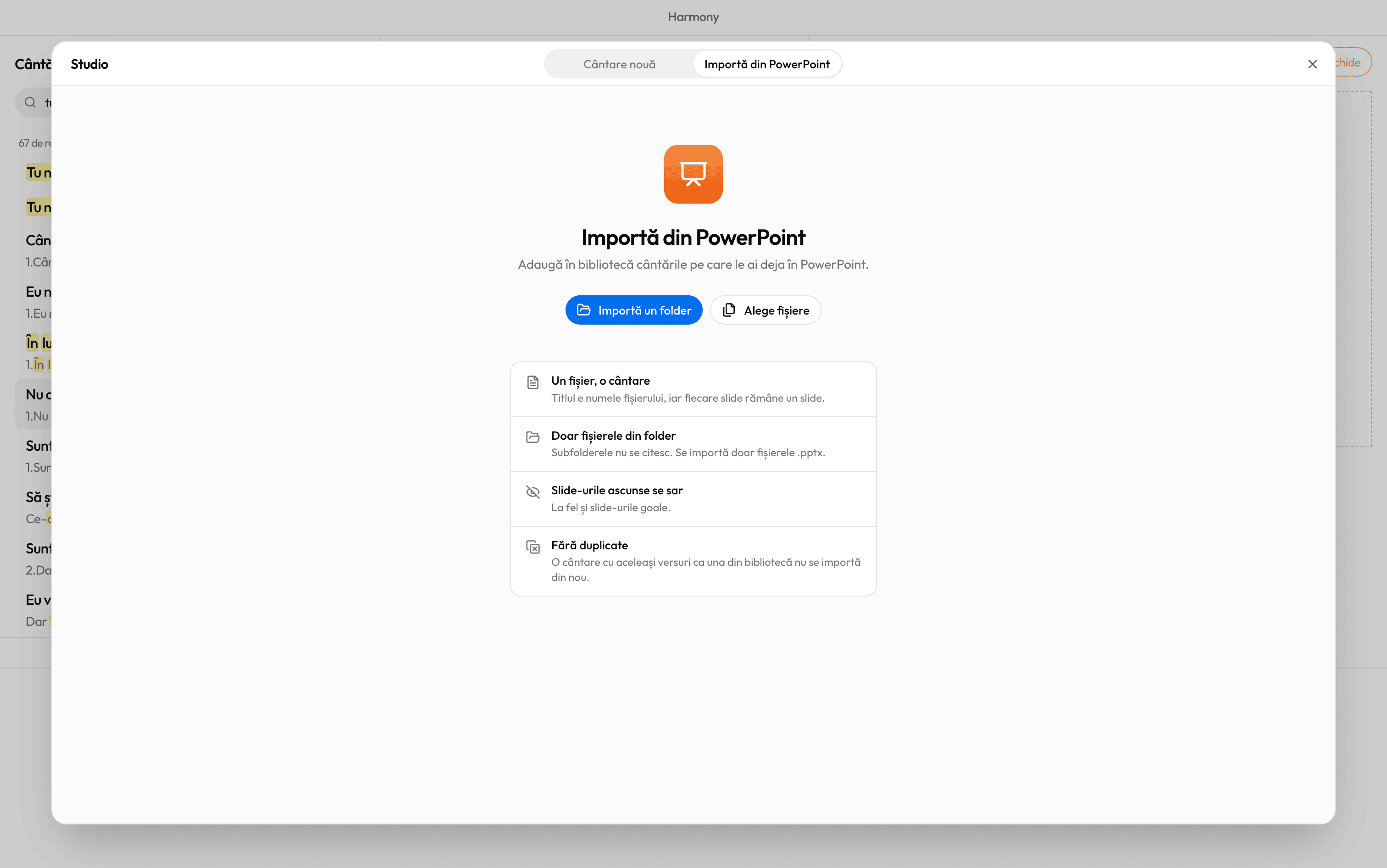
Choose your folder of PowerPoint songs and Harmony turns each file into a song. At the end you get a report of everything it imported.
- Search by lyrics, not through folders
- Font and colors are set once, for every song
- Duplicates are skipped by themselves
Stage display
Singers no longer turn around to read the projector
A second screen facing the stage shows the current verse, the next one and the time. The congregation doesn’t see it.
About the stage displayAppearance
Light or dark. Your choice
Your window can be light or dark, so it doesn’t glow in front of the congregation.
Made for the church. Not for sale
Free forever
$0
No subscription and no paid version. A donation is welcome, never required.
Support HarmonyYour data stays with you
Library, playlists and history stay on your computer, not in an online account.
Works offline
Songs, the Bible and the projection work even where there’s no signal.
Runs on old laptops
Windows 10 (1809 or later) or Windows 11. That’s it.
English and Romanian
The interface in English or Romanian, for churches far from home.
Frequently asked questions
Is Harmony Studio free?
Yes, free forever. No ads, no subscription, no account. If you’d like to support the project you can make a donation, but you never have to.
Does it work without internet?
Yes. The songs, the Bible and the projection all live on your computer, so Harmony works in a building with no internet. You only need a connection to install it and to get updates.
Does it run on a Mac?
No. Harmony Studio is for Windows 10 (version 1809 or later) and Windows 11 only, from the Microsoft Store.
Will it run on our church’s old laptop?
Yes, Harmony is built to run well on older laptops too. All it needs is Windows 10 (1809 or later) or Windows 11.
Do I need an account?
No. There’s no account, no sign-in and no ads, and Harmony doesn’t collect any data. Install it and start.

Ready for the service?
Get Harmony Studio from the Microsoft Store. It’s free, needs no account, and keeps itself up to date.
- Free
- No account
- Works offline
- Windows 10 and 11