Guide
The projection operator’s guide
Church projection, step by step: answers to Sunday-morning questions. The full guide is in the app too, under Help.
How to connect the projector to your laptop
Win+P › Extend: your window on the laptop, the lyrics on the projector.
ReadHow to prepare the service playlist
The songs in the order you sing them, ready ahead of time.
ReadA playlist from the list you got on WhatsApp
Paste it, and Harmony finds each song by itself.
ReadKeyboard shortcuts for the operator
Go Live, verse 2, the chorus, a black screen: no mouse needed.
ReadHow to put a verse on the projector during the sermon
Press V, type “john 3 16”, Ctrl+Enter: the verse is on the projector.
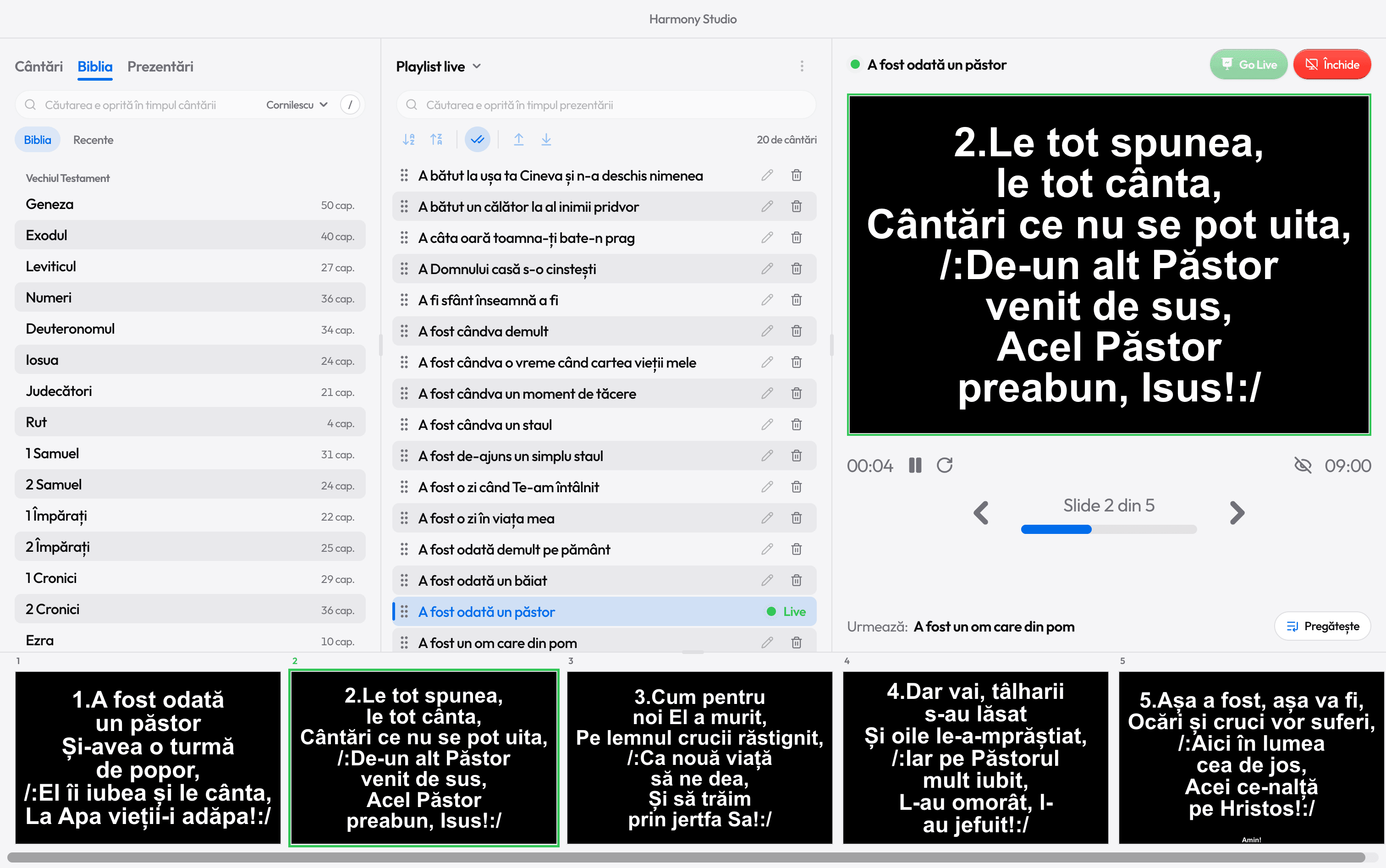
ReadProject the lyrics, without PowerPoint
Find the song, check it in preview, press Go Live.
ReadThe lyrics on a TV, in the sanctuary or the lobby
A TV in the sanctuary or the lobby, connected like a projector.
ReadHow to choose church projection software
Eight questions to ask any program before your first Sunday.
Read

Ready for the service?
Get Harmony Studio from the Microsoft Store. It’s free, needs no account, and keeps itself up to date.

- Free
- No account
- Works offline
- Windows 10 and 11