Church lyrics projection, step by step
Project the lyrics calmly, every Sunday
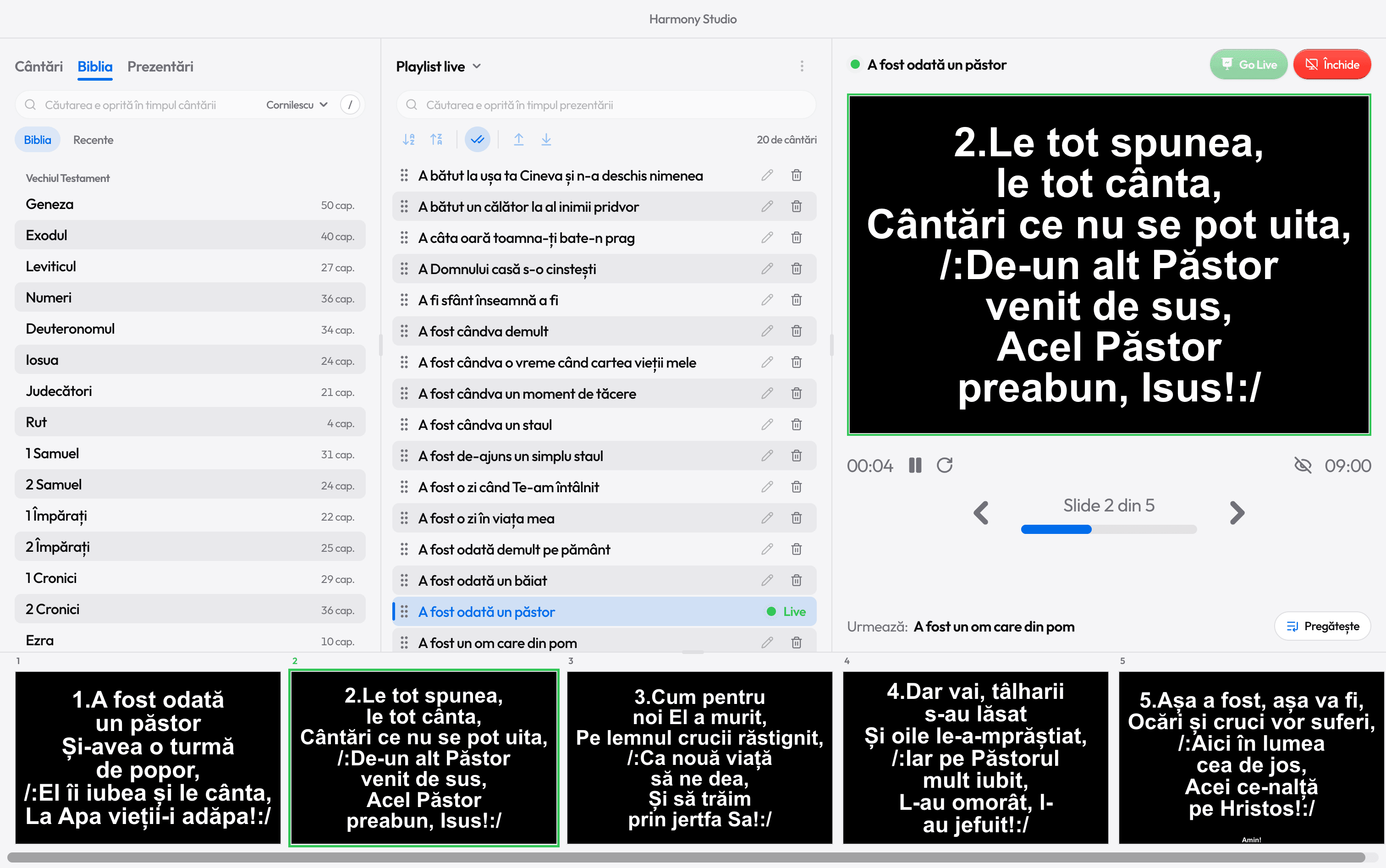
Prepare the playlist, check the song in preview and press Go Live. During the song, the arrow keys do the rest.

Before the service
The service playlist, ready ahead of time
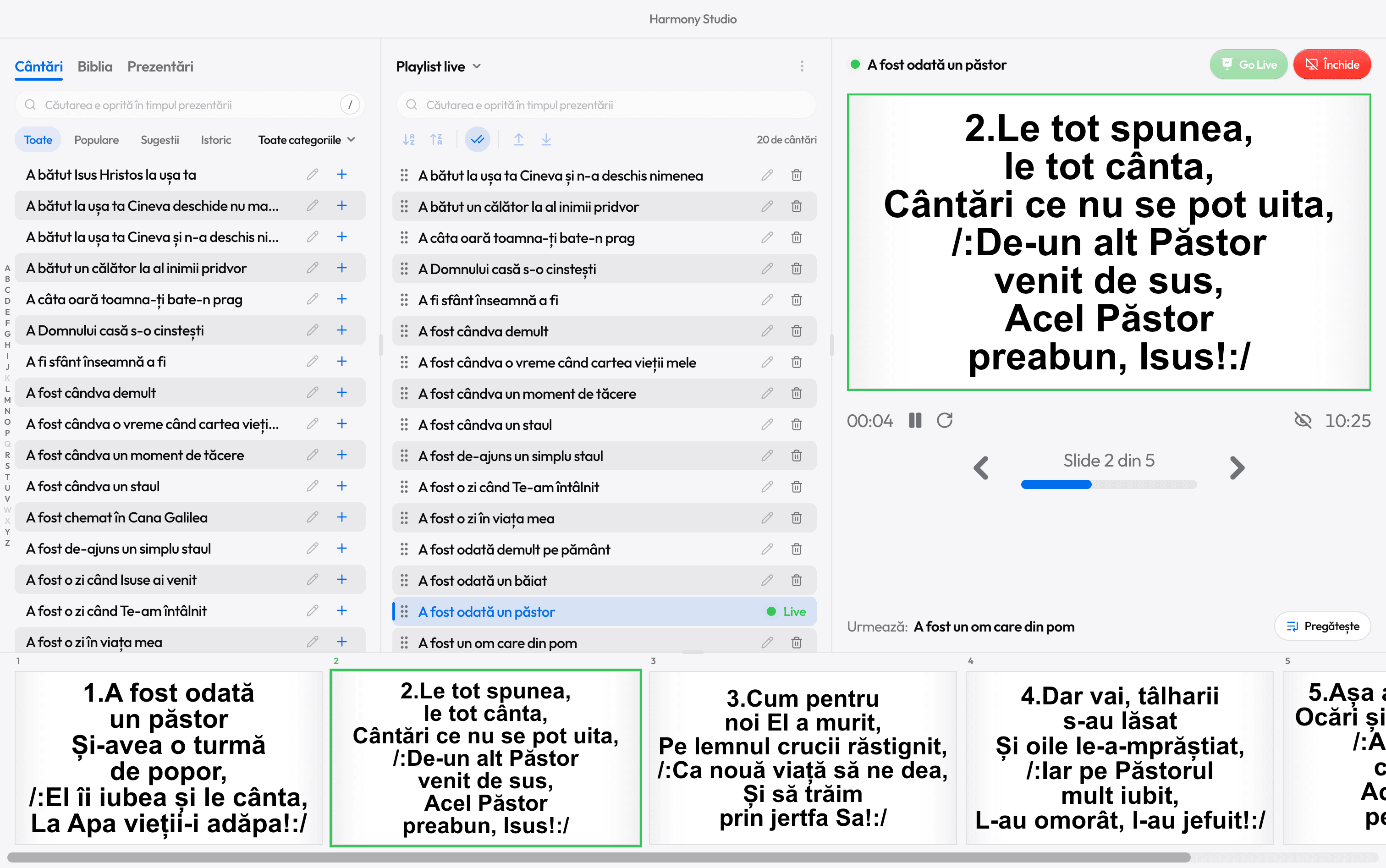
Drag songs from the library into the playlist, in the order you’ll sing them. A dashed outline shows where each one lands.
No mouse needed: search for a song, pick it with the arrow keys and press Shift+Enter. The search box stays ready for the next one.
- Paste the list you got on WhatsApp, and Harmony finds each song by itself.
- Repeating a service? From History, all of that day’s songs go into a playlist.
- Two playlists at once: today’s service and a backup list.
Preview and Go Live
The room only sees what you send
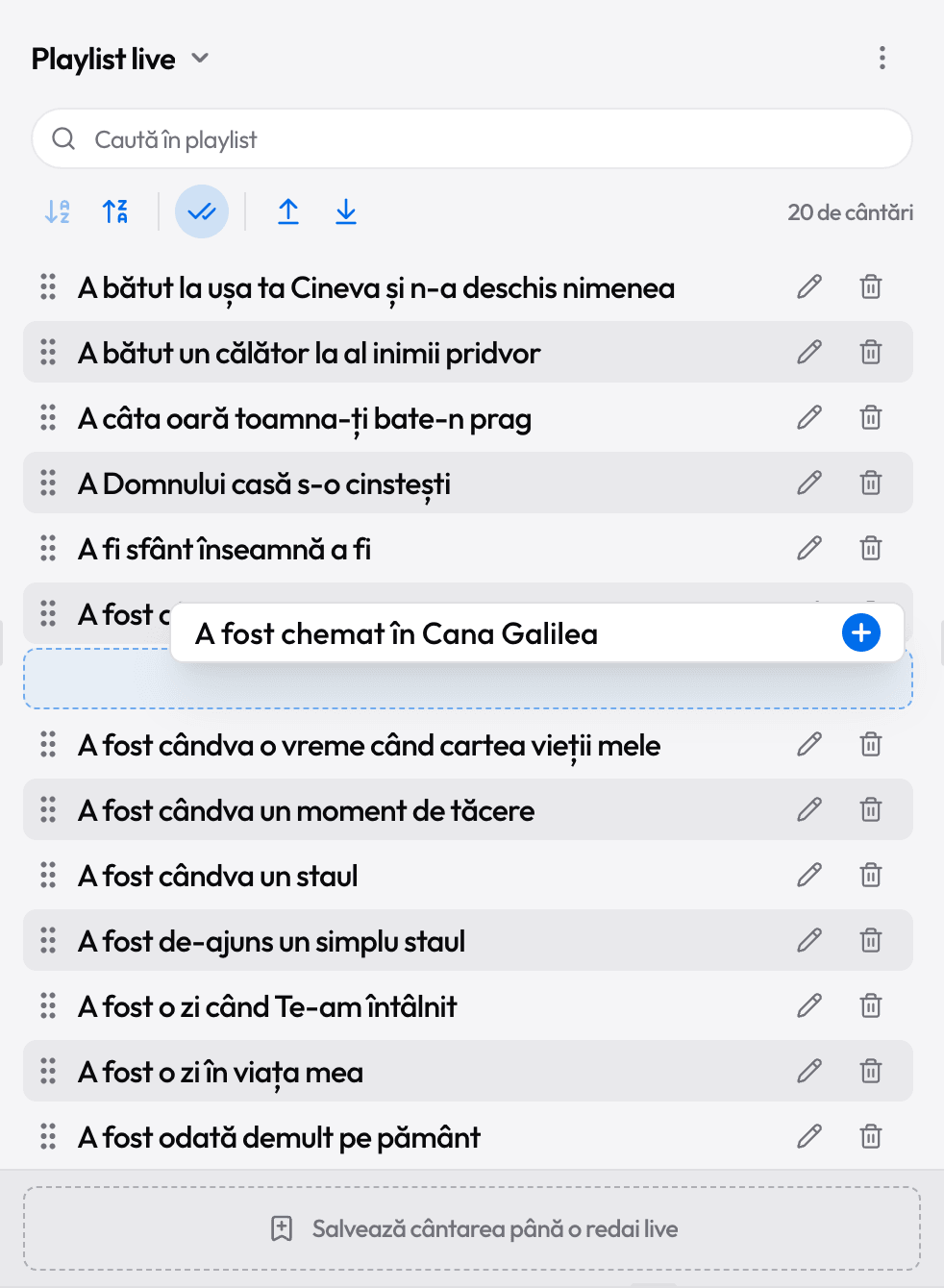
One click puts a song in preview, on your screen only. Choose the slide to start from, then press the green Go Live button or Ctrl+Enter.
The lyrics fill the projector or TV screen, in the font, colors and text size you chose.
During the song
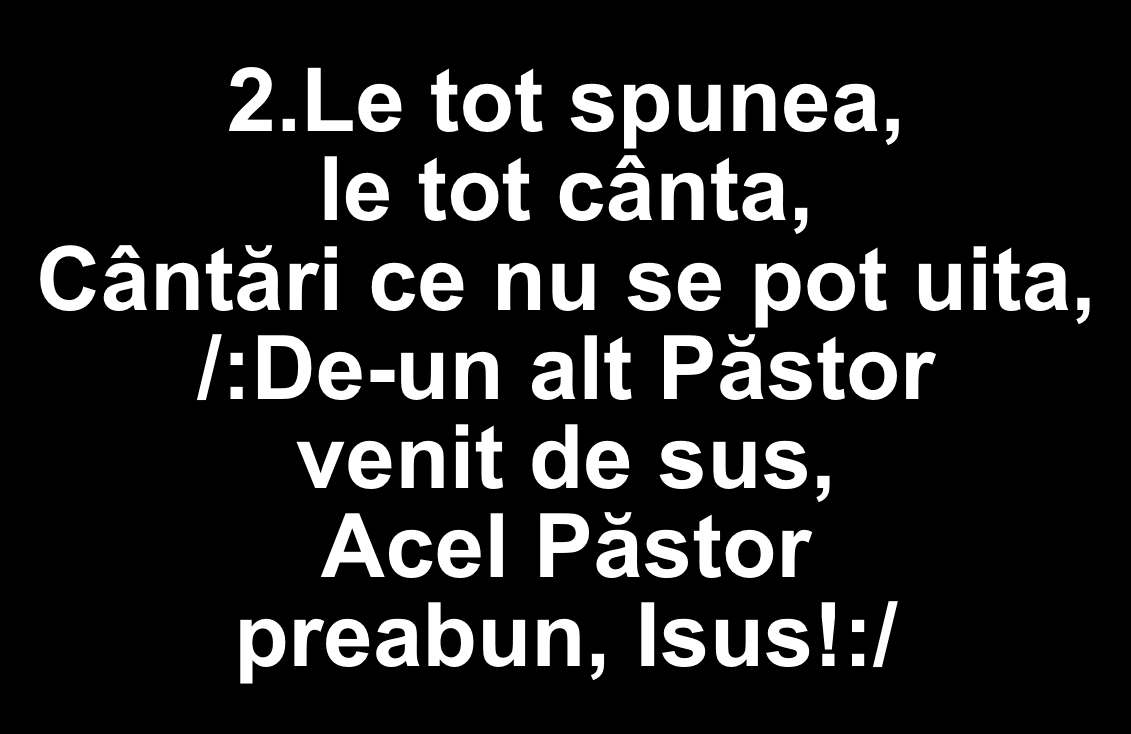
“Let’s sing verse 2 again.” Press 2
Every verse has its own key, shown in the corner of its slide. No hunting with the mouse while the church sings.
Between slides
- →
- Next slide (or ↓)
- ←
- Previous slide (or ↑)
- Home
- First slide (End: the last)
Verses and chorus
- 1–9
- Jump to verse 1, 2, 3…
- R
- The chorus after the current verse
The playlist
- N
- The next song in the playlist
The screen
- B
- Hide the text, for a prayer
- ShiftB
- Turn the projector fully black
- Esc
- Stop the projection
Mistakes happen. They’re easy to undo
Resume
Stopped by mistake? Resume puts the song back on the projector, on the same slide.
Undo
A song removed from the playlist, or a playlist cleared, comes back with Undo.
Locked while live
Studio, Settings and editing are off during the projection, so nothing on screen changes by accident.
A gentle reminder
Harmony learns how long each slide stays up and shows a blue arrow when it’s time to move on.
How it looks
Easy to read from the back row
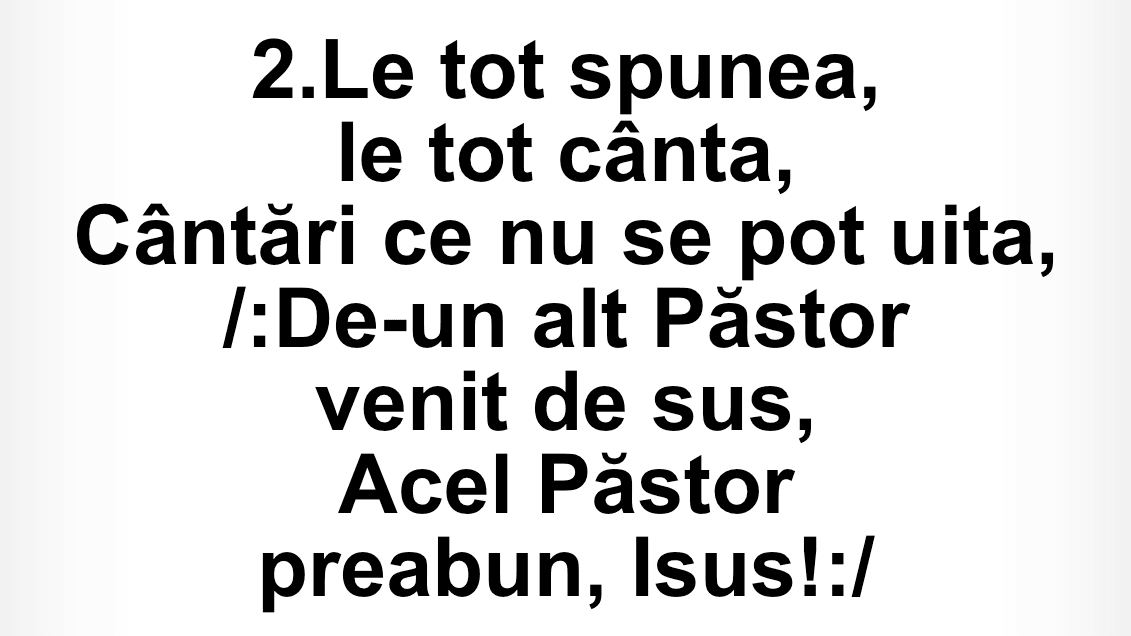
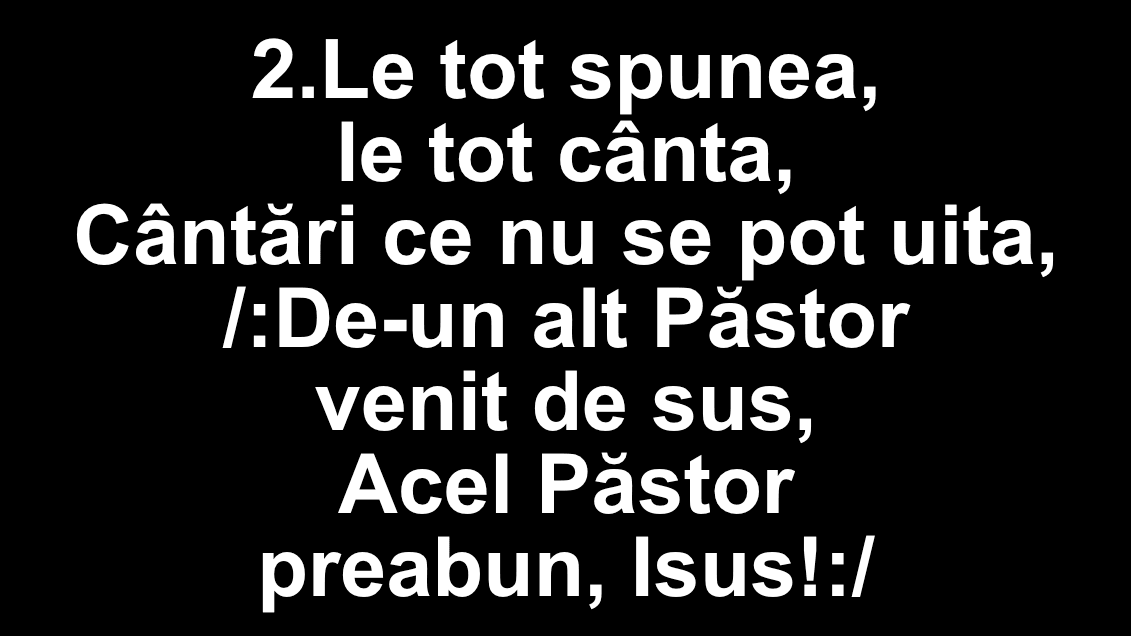
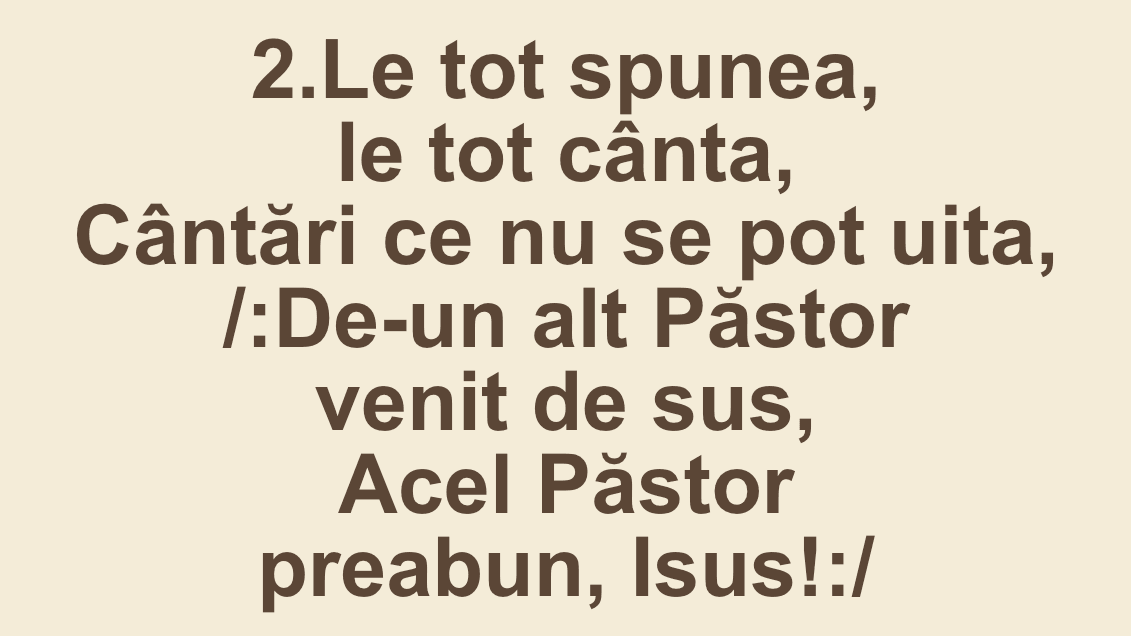
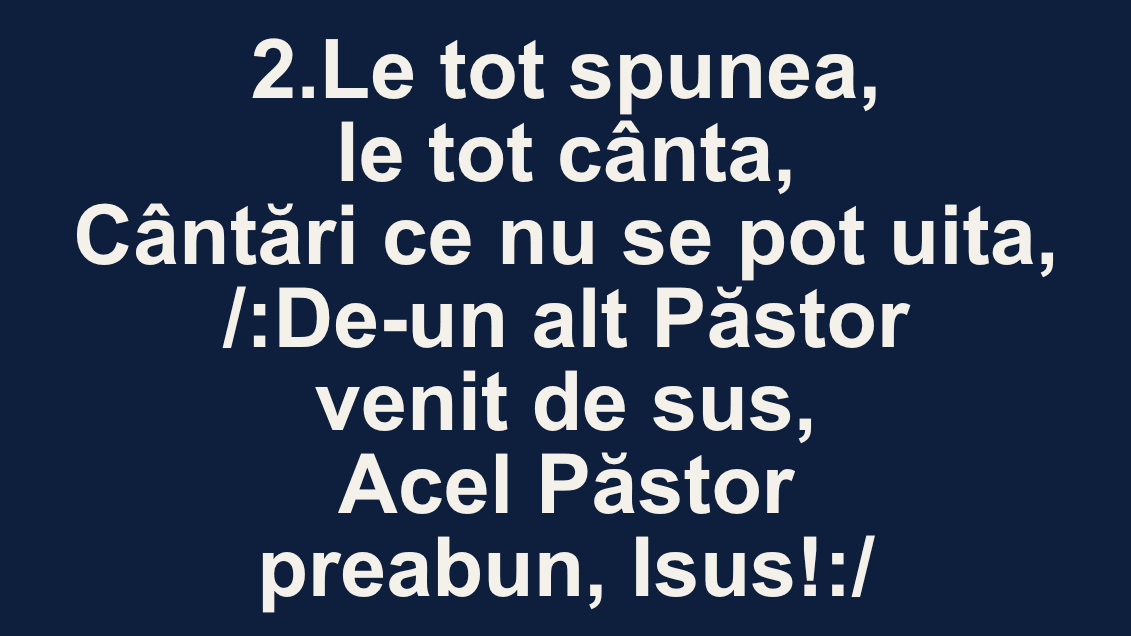
Choose a color theme, the font, a background image and the text size. All slides of a song can share the same text size.
- Large room or a dim projector? Capitals and Large text.
- On a light background, a shadow or outline keeps the text readable.
- Between songs, the projector shows a clock, digital or analog.
Stage display
The singers see the lyrics too
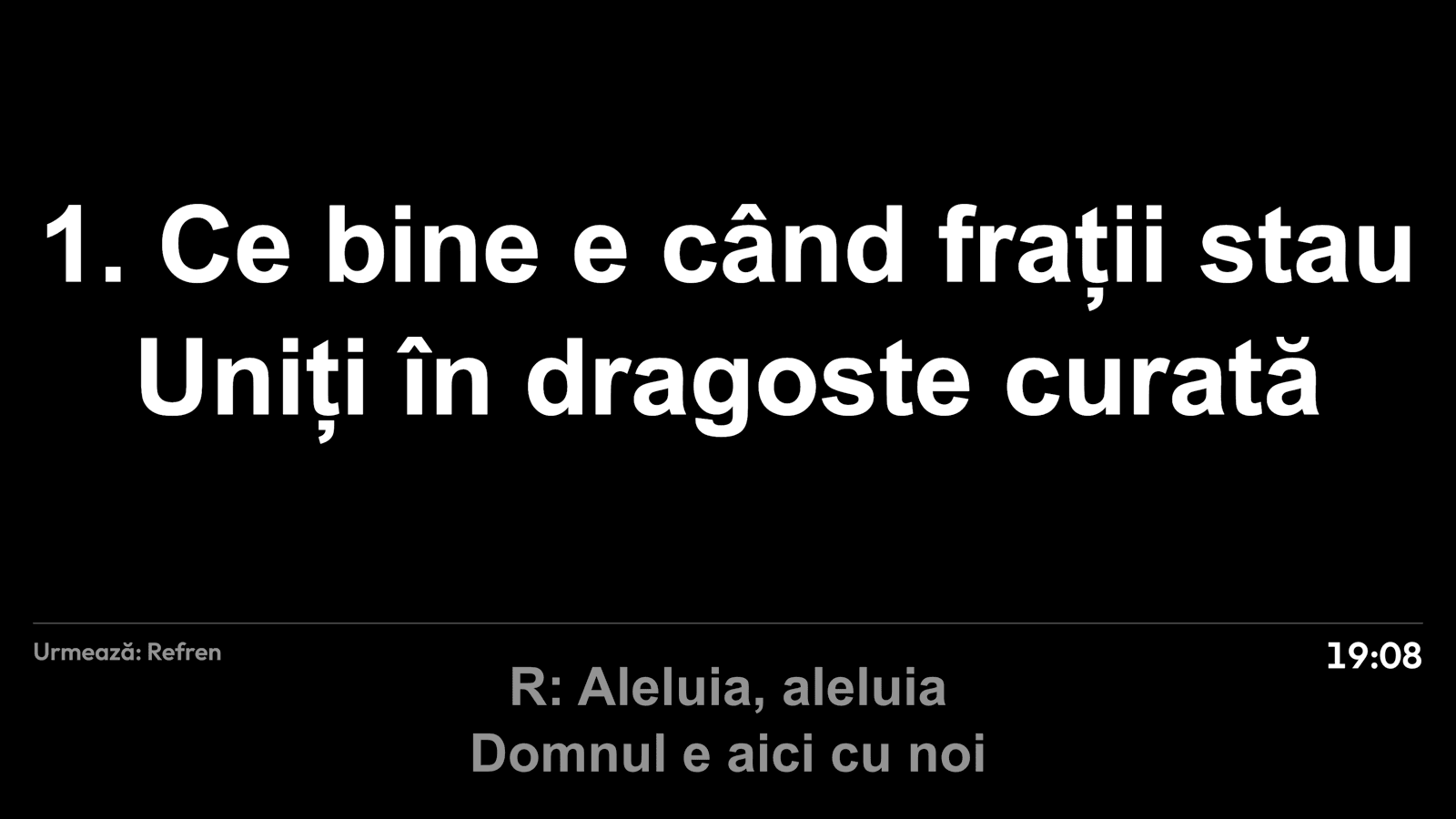
A second screen, facing the stage, shows the current verse and the next one. The congregation doesn’t see it.
Read next

Ready for the service?
Get Harmony Studio from the Microsoft Store. It’s free, needs no account, and keeps itself up to date.
- Free
- No account
- Works offline
- Windows 10 and 11