Download
Harmony Studio, free, from the Microsoft Store
The Store installs it and keeps it up to date. No account, no card, no ads.

Free · Windows 10 and 11 · Current version: 1.4.0
On Windows? Open the Microsoft Store app directly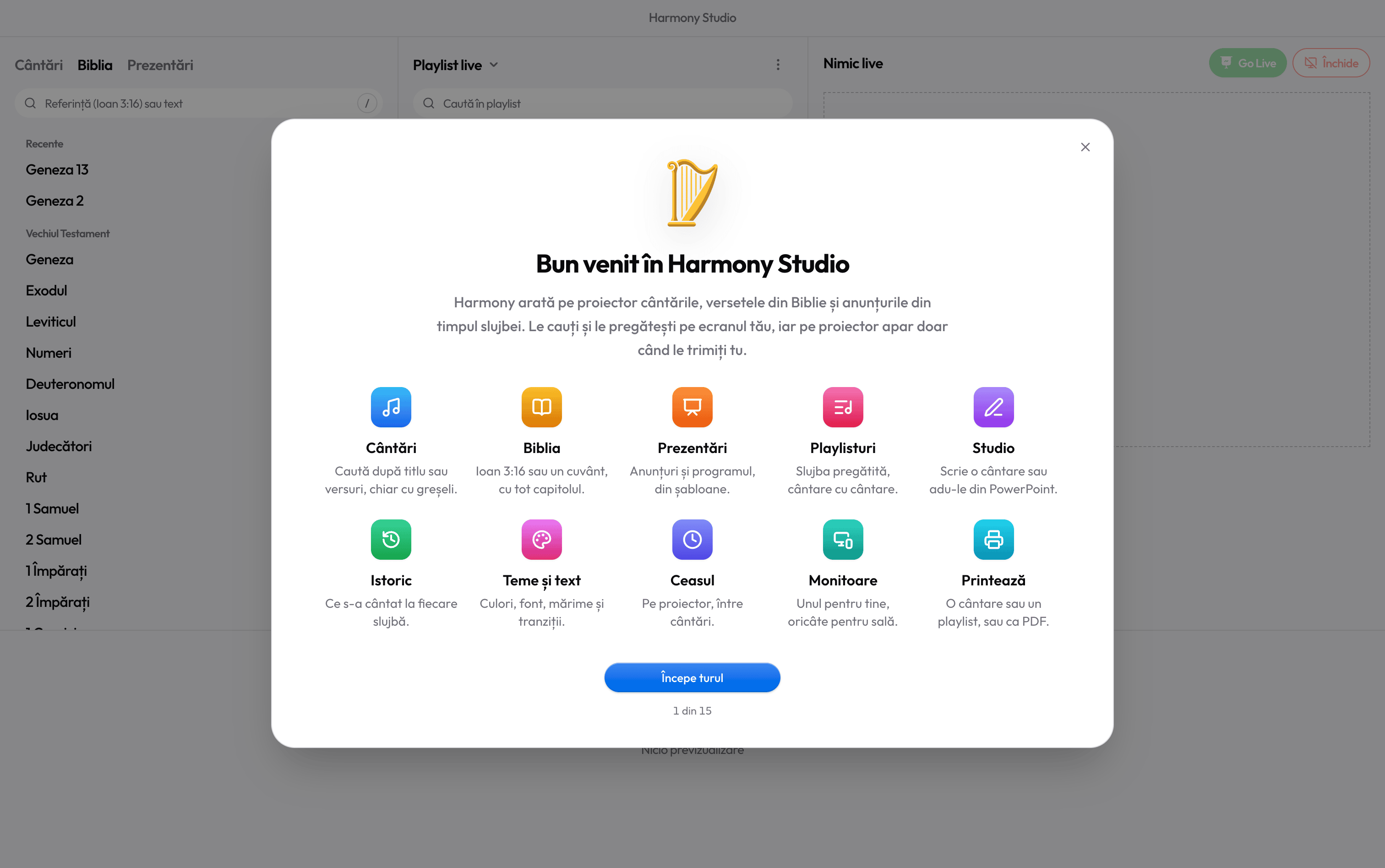
What you need
- Windows 10, version 1809 or later
- Windows 11
- Runs on older laptops too
- Internet only to install and update
- There is no Mac version
After installing
Your first steps
- 1
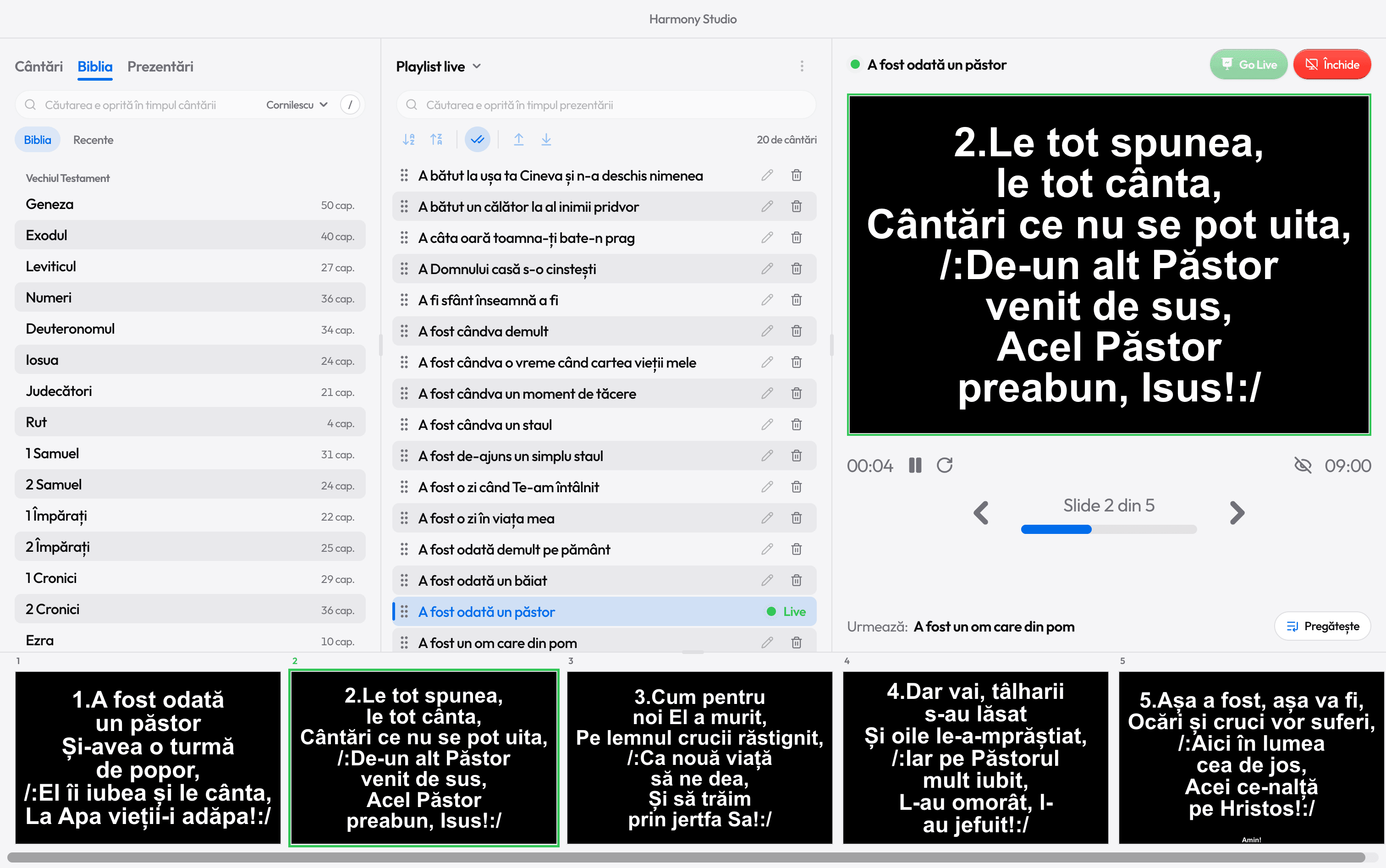
Open Harmony
From the Start menu. The app tour walks you through the window, area by area.
- 2
Connect the projector
Then Win+P › Extend: your window stays on the laptop, the lyrics go to the projector.
- 3
Bring in your songs
Search the library, or import from PowerPoint in Studio.
- 4
Build the playlist
Drag songs into the service order, or paste the list you got on WhatsApp.
- 5
Go Live
Pick the song and press Ctrl+Enter. Arrow keys move the verses, Esc stops.
- 6
Help, any time
The Help menu has the full guide; Ctrl+/ shows every shortcut.
Need a hand?
Read the guide or email us at harmonyst.info@gmail.com. You’ll hear back from Harmony’s author.
How to connect the projector
Ready for the service?
Get Harmony Studio from the Microsoft Store. It’s free, needs no account, and keeps itself up to date.
- Free
- No account
- Works offline
- Windows 10 and 11