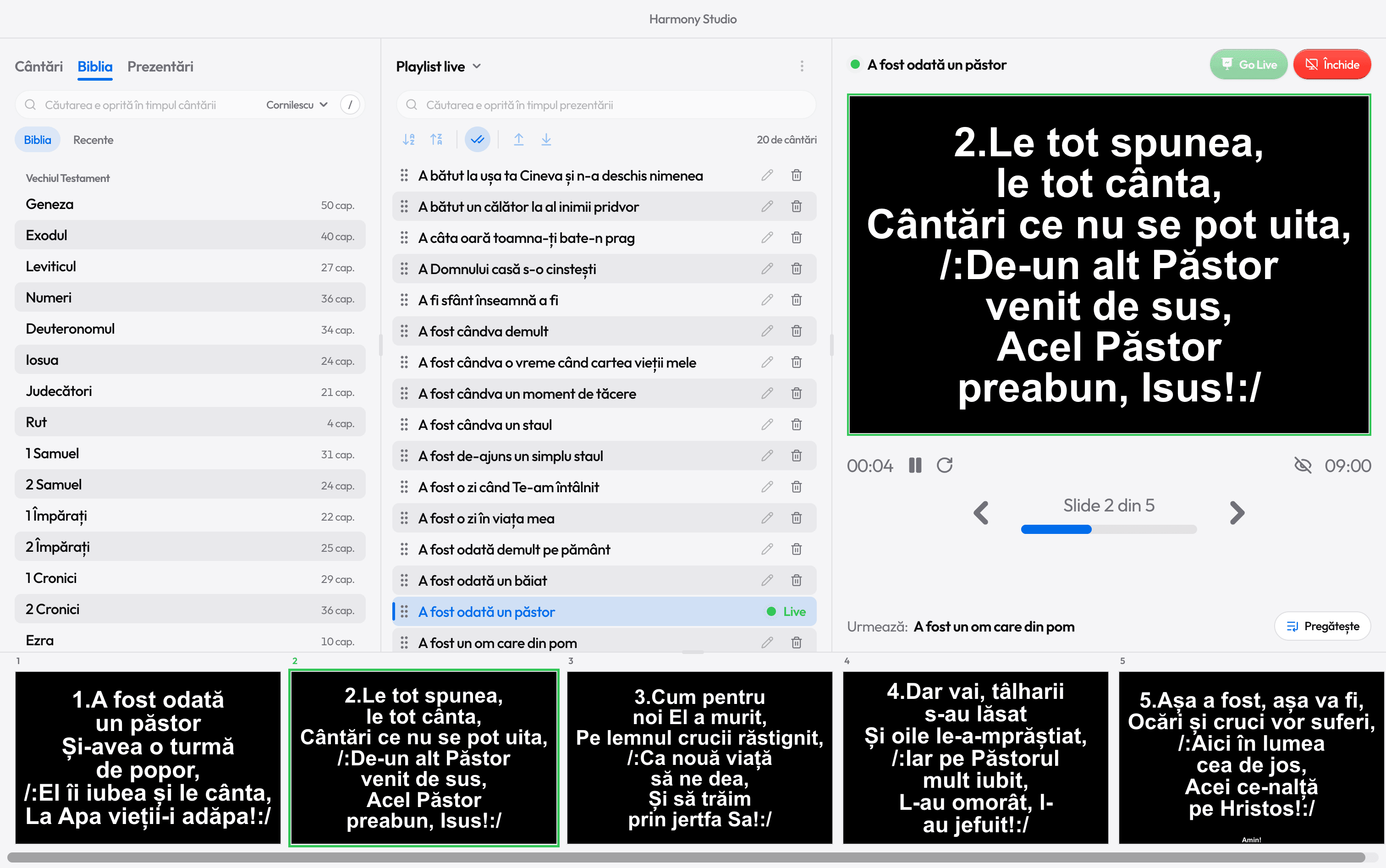
Bible on the projector
The verse is on screen before the preacher finishes reading
Press V, type “john 3 16” and Ctrl+Enter. Four Bibles included, no internet needed.

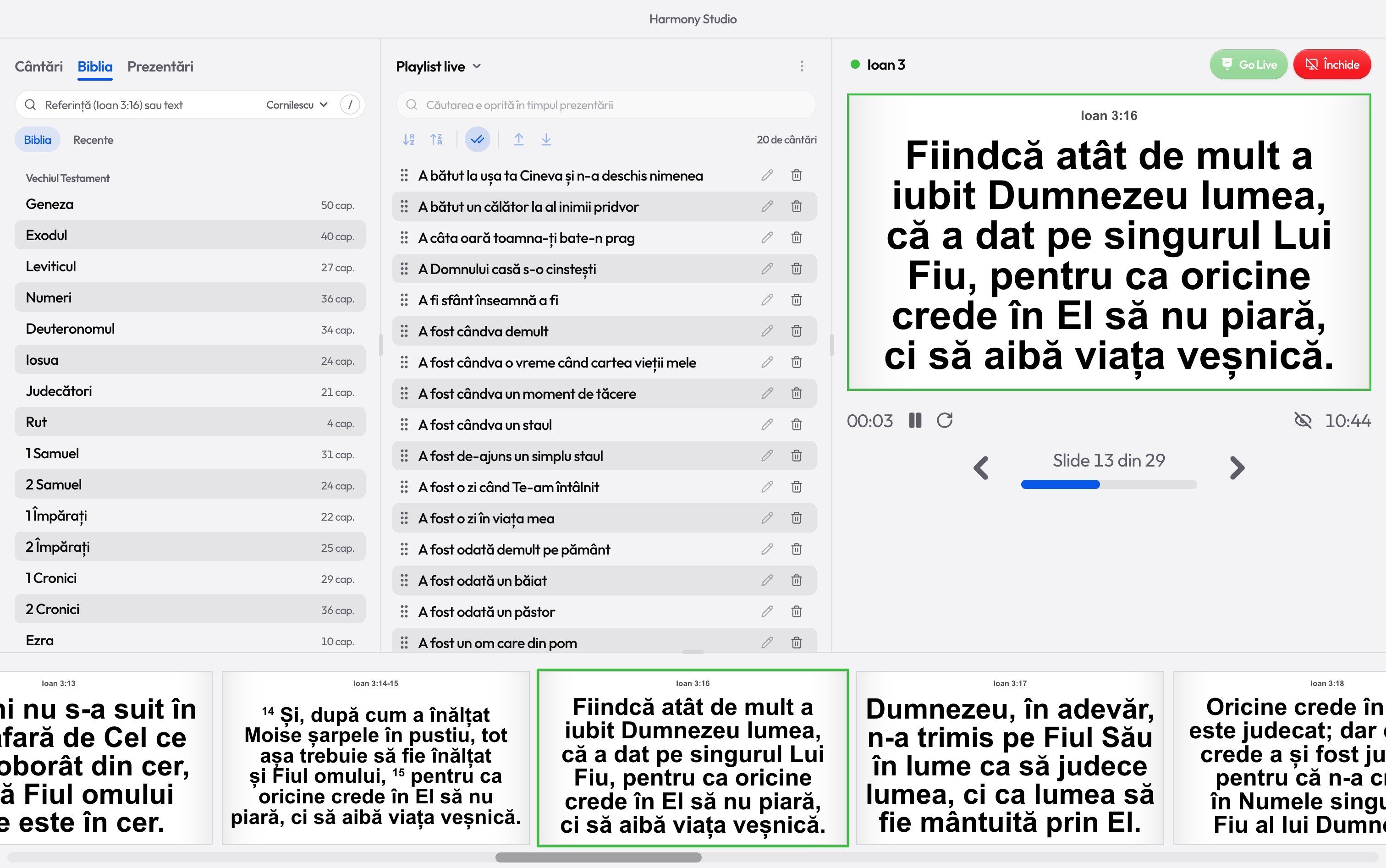
Search by reference
Type it any way. Harmony understands
With or without punctuation, the book’s full name or a short one. Or a few words from the verse, to find it by its text.
Any of these works
- john 3 16
- John 3:16
- 1cor13
- 1 Cor. 13,4
- ps 23
- Ioan 3:16
The V key
A verse, from anywhere in the window
Press V (or Ctrl+K) and a Bible search box opens at the top. The tab you were on stays as it was.
Enter puts the verse in preview, Ctrl+Enter sends it straight to the projector, Esc closes the box. While it’s empty, it shows today’s verses, so you can bring one back.
The whole chapter
The whole chapter on screen, verse by verse
Click a verse and the whole chapter goes into preview, starting there. The arrow keys move to the next verse, and after the last one they carry on into the next chapter.
- Numbers jump straight to a verse: 1 then 6 means verse 16.
- Shift+→ and Shift+← jump to the next or previous chapter.
- Short verses share a slide, two or three at a time; 1 verse splits them.
- The Recent tab keeps the last five chapters you opened.
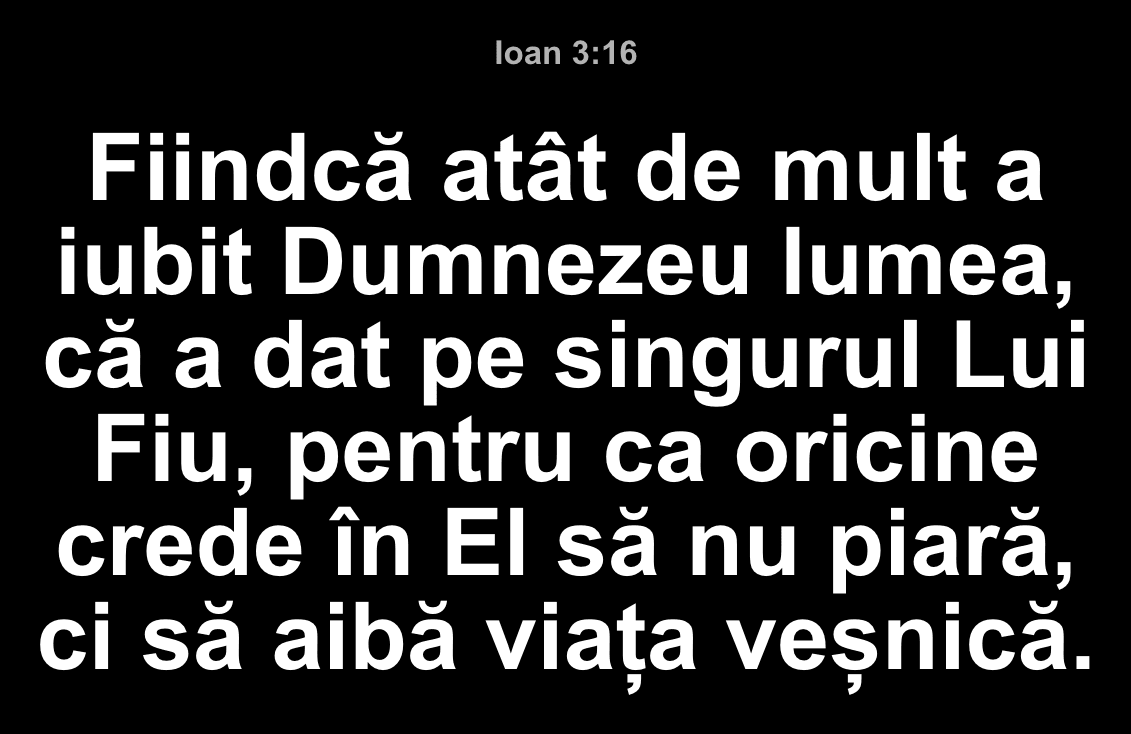
Four Bibles
The Bible in English, Romanian and Italian
For guests, for a bilingual service, for a church far from home. References work in any of the languages: “John 3:16”, “Ioan 3:16” and “Giovanni 3:16” find the same verse.
- EN
King James (KJV)
The standard English text of 1769.
- EN
Berean Standard Bible
A modern English translation.
- RO
Cornilescu
The Romanian text, in today’s spelling (Romanian Corrected Cornilescu Version).
- IT
Riveduta 1927
Giovanni Luzzi’s Italian revision.

Ready for the service?
Get Harmony Studio from the Microsoft Store. It’s free, needs no account, and keeps itself up to date.
- Free
- No account
- Works offline
- Windows 10 and 11