
Guide
The lyrics on a TV, in the sanctuary or the lobby
A TV connects exactly like a projector. And Harmony sends the lyrics to several screens at once.

Step by step
- 1
Plug in the TV
With an HDMI cable. Windows sees it as one more monitor. For every extra screen, the laptop needs one more video output: a dock or an adapter with two HDMI ports.
- 2
Extend the displays
On Windows, Win+P › Extend, so your window stays on the laptop.
- 3
Pick it in Harmony
In Settings › Displays: your screen is Control, the TV is a display. Several screens can show the lyrics at once, a projector in the sanctuary and a TV in the lobby, for example.
- 4
Test it
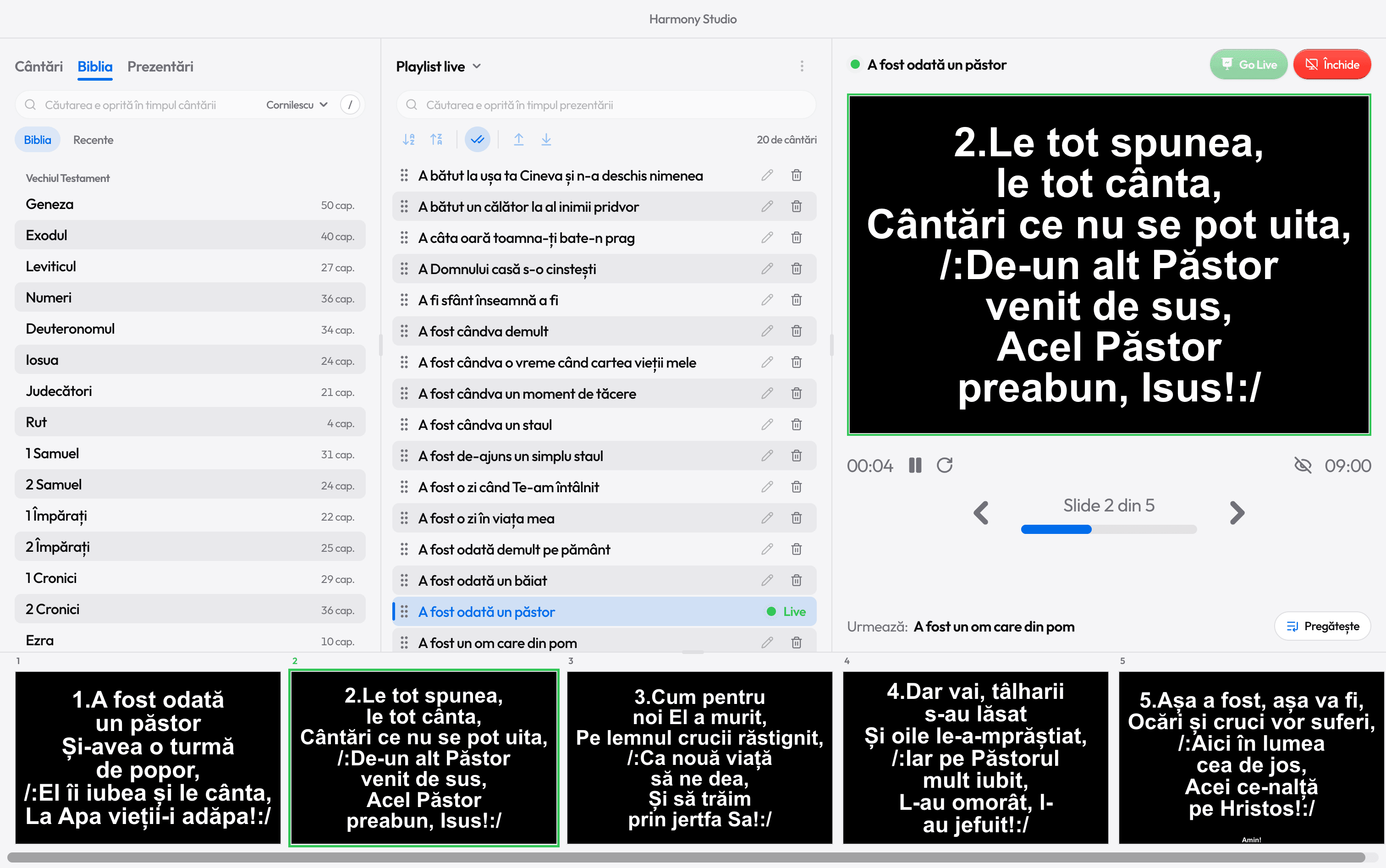
Pick a song and press Ctrl+Enter: the lyrics appear on every display screen. Esc stops the projection.
A TV for the singers
A screen set to Stage is for the singers: it shows the current verse, large, the next one and the time. The congregation doesn’t see it. It opens and closes by itself, with the projection.
If the TV doesn’t show up
- If it isn’t listed in Displays, it’s probably mirroring the laptop. Press Win+P again and choose Extend.
- The icon next to the clock, under the projector panel in Harmony, tells you where the projection goes. Click it to open Displays.
- Check the TV’s input source (HDMI 1, HDMI 2) on its remote.

Ready for the service?
Get Harmony Studio from the Microsoft Store. It’s free, needs no account, and keeps itself up to date.

- Free
- No account
- Works offline
- Windows 10 and 11