Guide
Project the lyrics, without PowerPoint
No more opening one file per song. You find the song, check it and send it to the projector with one key.
Step by step
- 1
Find the song
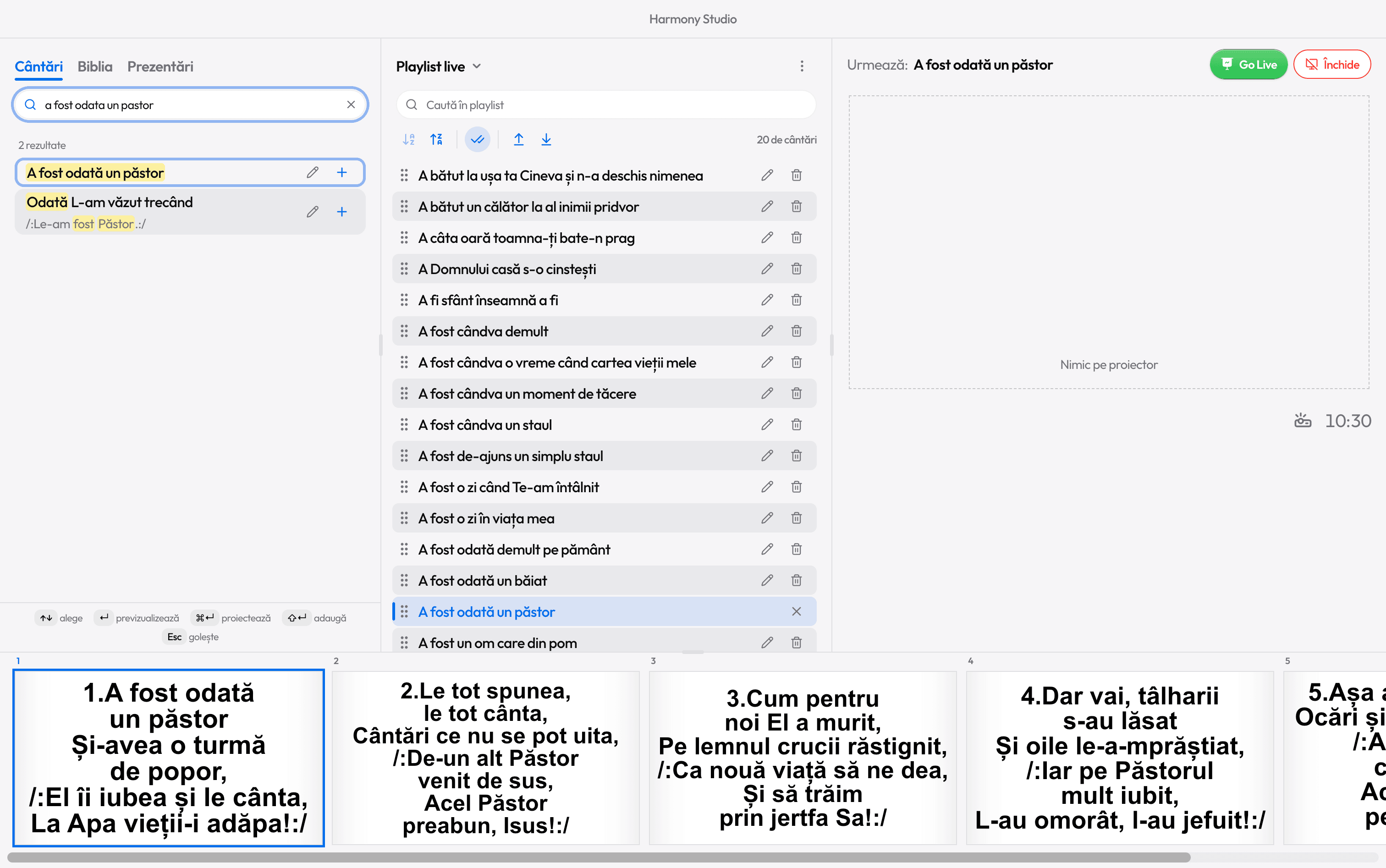
In the Songs tab, type a few words from the title or the lyrics. Diacritics don’t matter, and a typo is corrected by itself. / takes you straight to the box.
- 2
Preview it
Enter (or a click) puts it in preview, on your screen only. Use the arrow keys to pick the slide it starts from.
- 3
Go Live
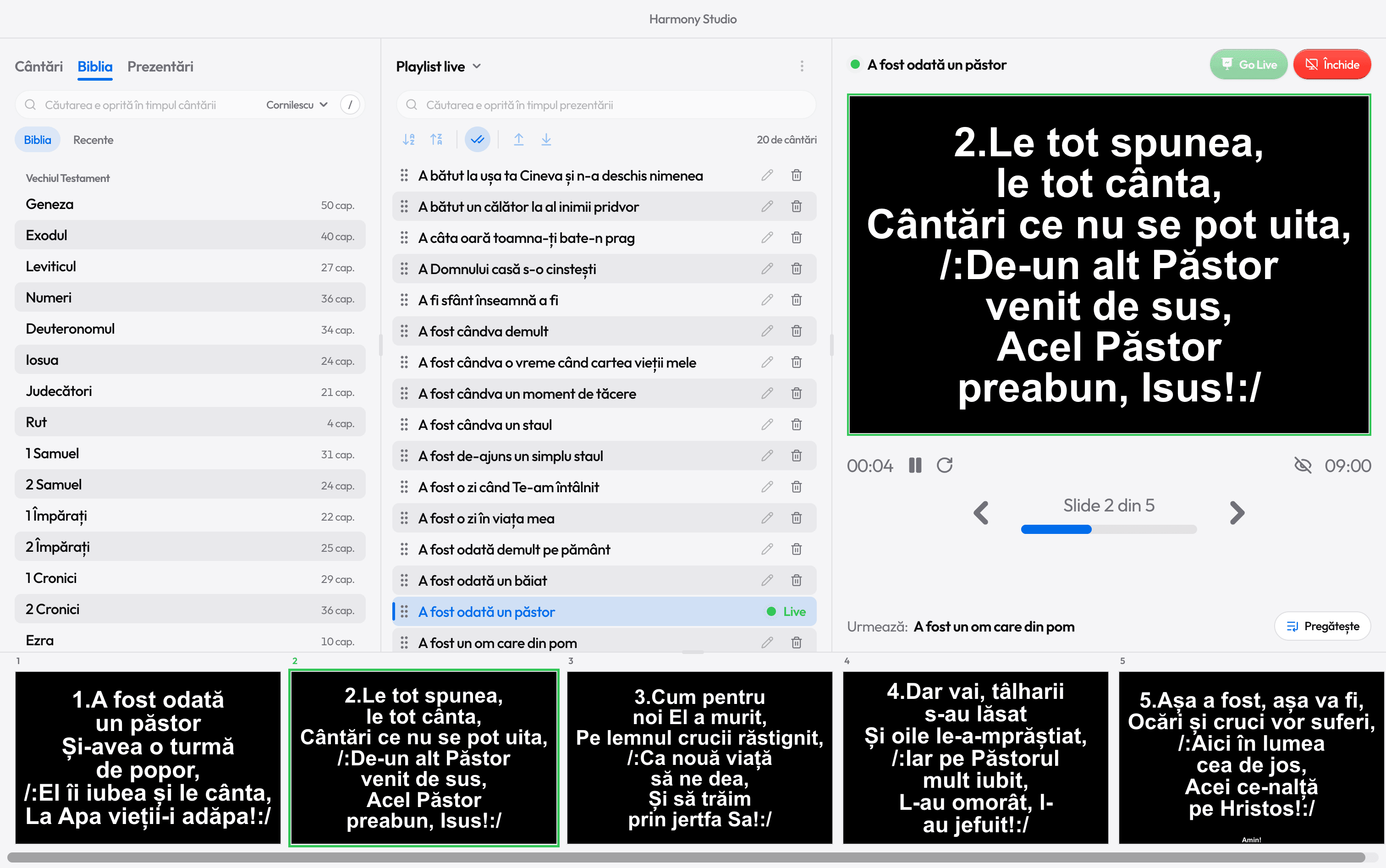
The green Go Live button or Ctrl+Enter sends it to the projector.
- 4
Verse by verse
→ moves to the next slide, numbers jump to a verse (2: the second verse), and R to the chorus after the current verse.
- 5
Stop
Close or Esc. Stopped by mistake? For a few seconds, Resume puts it back, on the same slide.
The songs you already have in PowerPoint
You don’t retype them. In Studio, Import from PowerPoint takes the whole folder: each file becomes a song, titled after the file name, and each slide stays a slide.
A song that’s missing
Under the no-results message, Create song opens Studio with the title you searched for. Paste the lyrics on the left and see the slides on the right, exactly as they’ll appear on screen. Ctrl+Enter creates it.
What you gain over PowerPoint
- One library, with over 10,000 Christian songs in Romanian: you search by the lyrics, not through folders.
- One look for every song: font, colors and text size are set once, in Settings › Projection.
- Nothing you prepare reaches the projector until you press Go Live.
- Free, with no internet, no account and no ads.

Ready for the service?
Get Harmony Studio from the Microsoft Store. It’s free, needs no account, and keeps itself up to date.

- Free
- No account
- Works offline
- Windows 10 and 11